Batch Tracking, Expiration Dates & Serialized Assets
Track perishable pharmaceutical/food batches with expiry dates, manage unique serialized electronics, and compare FIFO vs Moving Average valuation.
Learning Objectives
By the end of this guide, you will:
- Enable and configure Batch Tracking on perishable items.
- Track batch numbers, manufacturing dates, and expiration alerts.
- Manage unique Serial Numbers for electronics, appliances, and warranty claims.
- Understand FIFO (First In, First Out) vs. Moving Average stock valuation.
- Trace defective products or recalled batch lots using batch-wise stock reports.
Batch Tracking (Perishable Goods & Pharmaceuticals)
Enabling Batches on an Item:
- Navigate to Master Data > Items.
- Open the product (e.g. Amoxicillin 500mg Suspension or Organic Almond Butter).
- Check the Has Batch Numbers toggle:
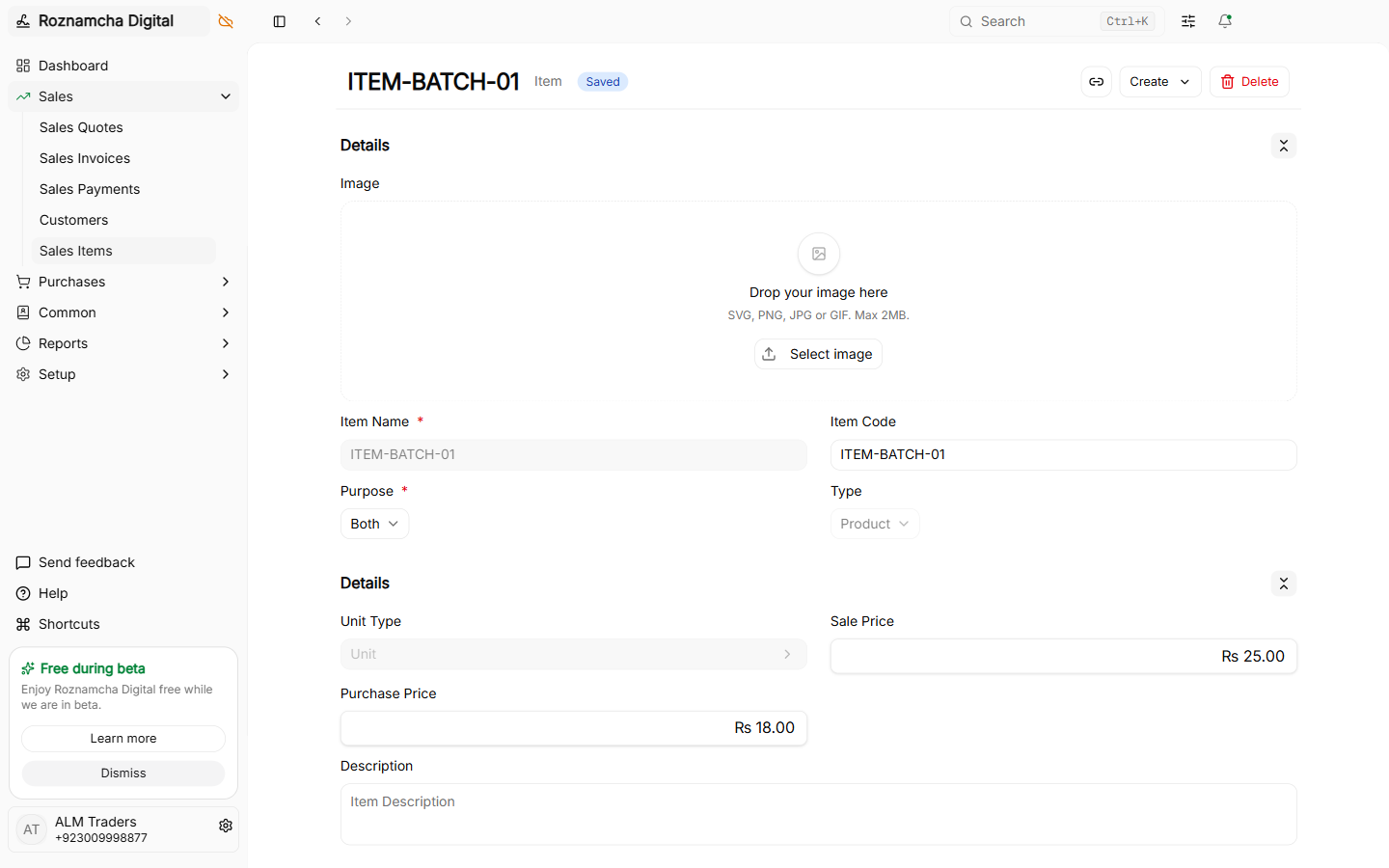
- Set Default Valuation Method to
FIFO.
Receiving Batched Items:
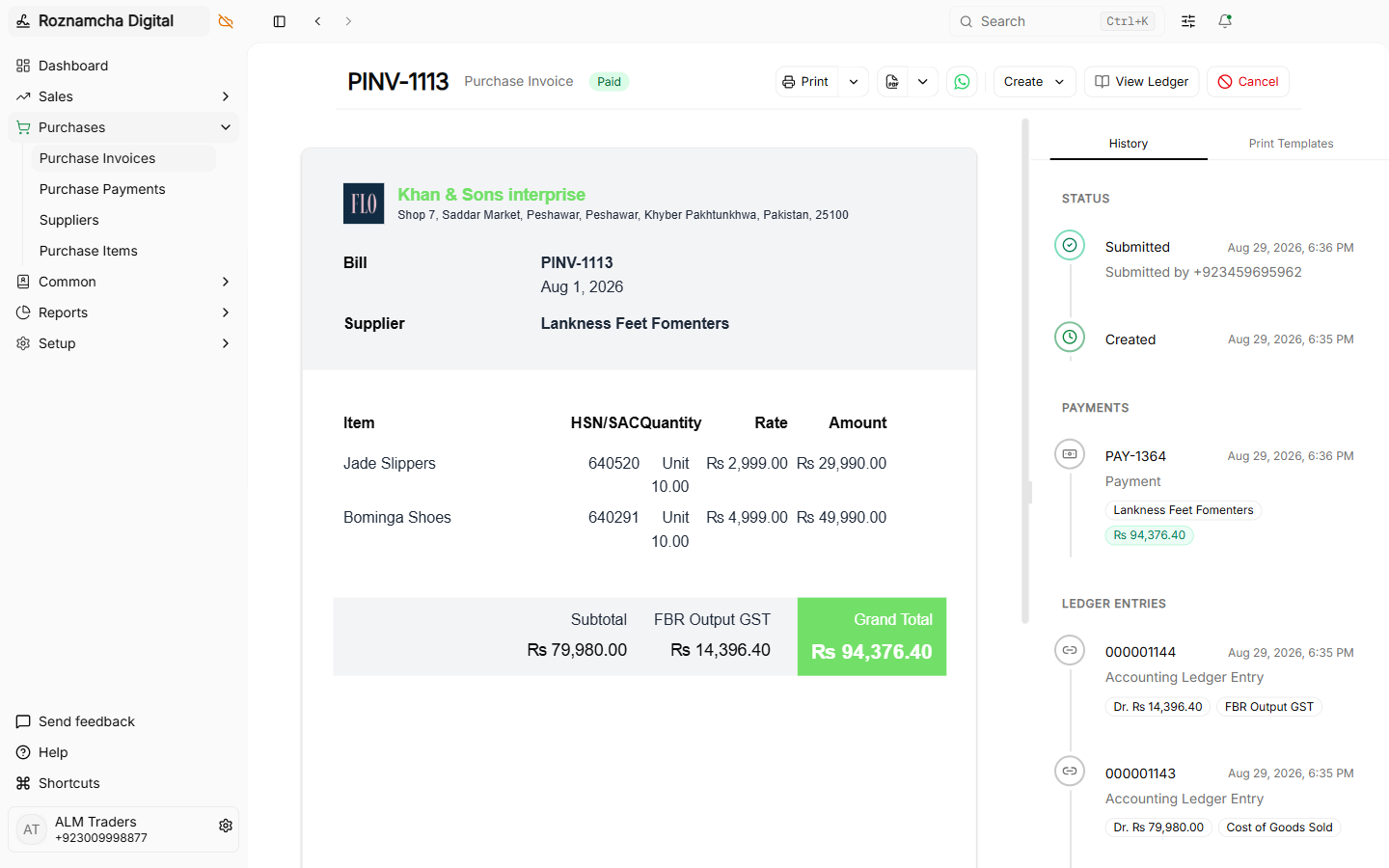
When recording a Purchase Receipt or Purchase Invoice:
- Enter the Batch Number printed on the physical packaging.
- Set the Manufacturing Date and Expiration Date:
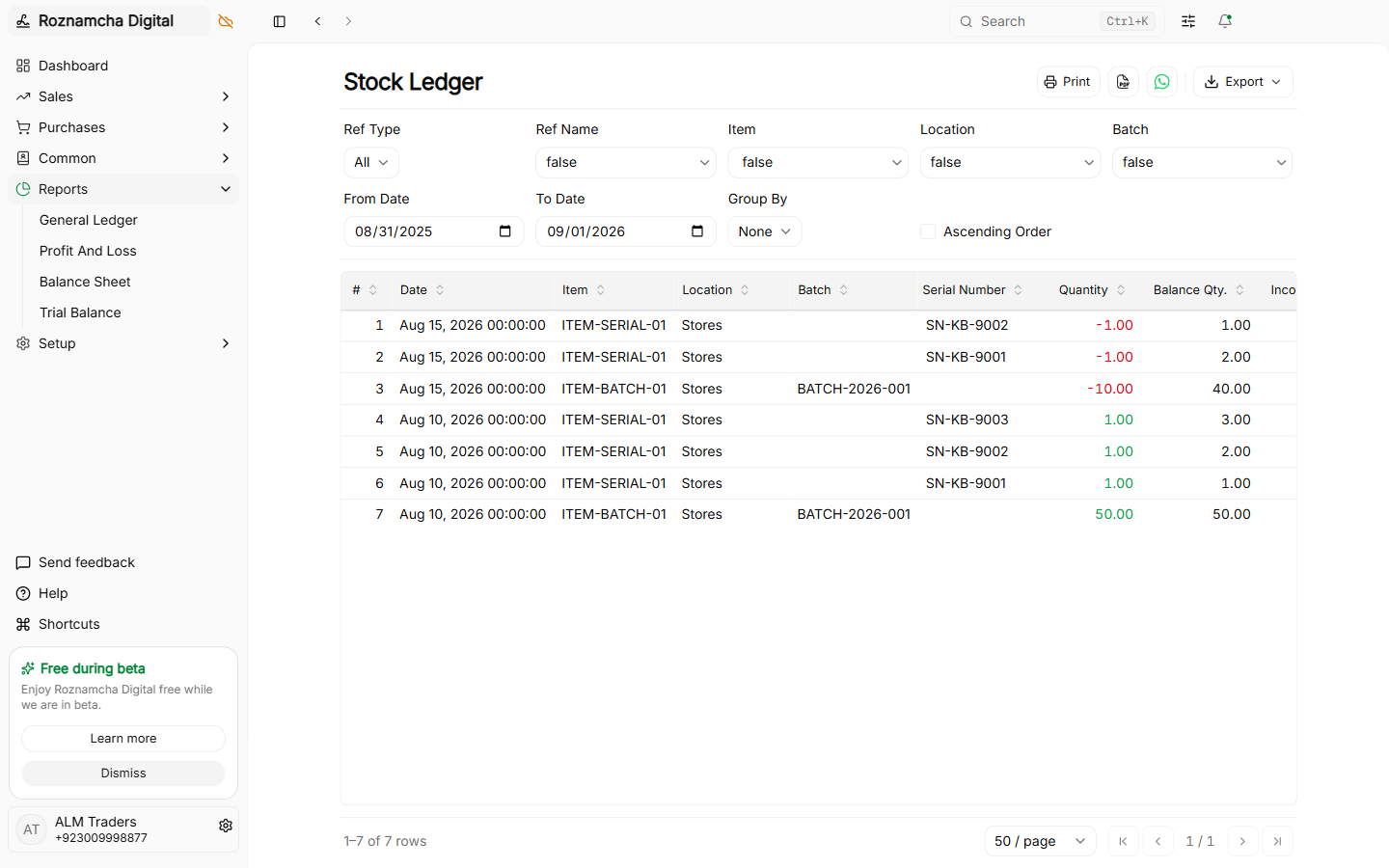
Batch-wise Stock Reporting:
View live quantity and expiration status per lot across warehouses:
Serial Number Tracking (Electronics & Hardware)
For items where every single unit has a unique identity (e.g., Laptops, Mobile Phones, Solar Inverters, Generator Engines):
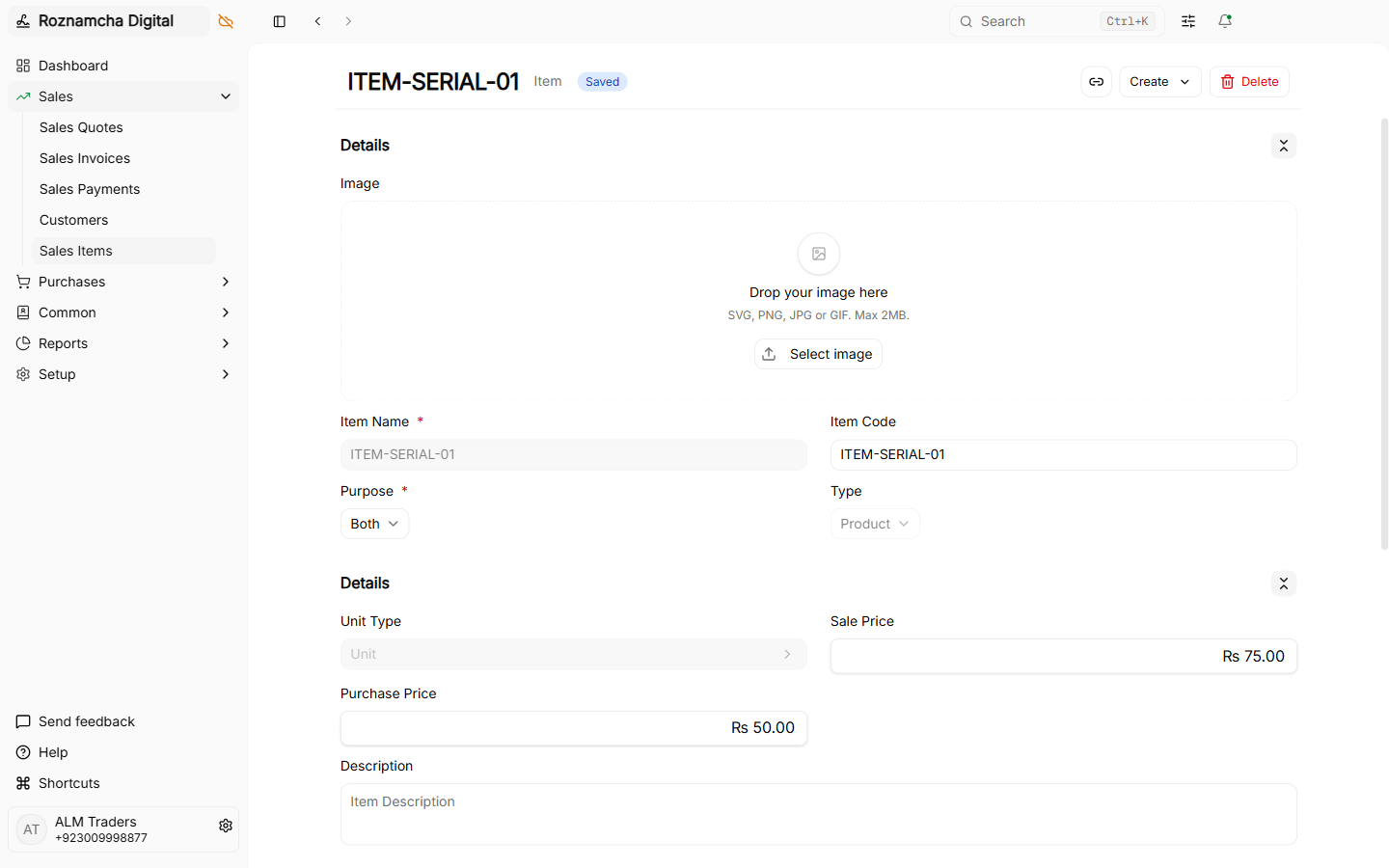
1. Enabling Serial Numbers on an Item:
In the Item Master, toggle Has Serial Numbers ON:
2. Scanning Serial Numbers on Purchase / Receipt:
When receiving goods, scan or paste individual serial barcodes (one per line):
3. Serial Number State Lifecycle
Roznamcha Digital manages serial numbers through discrete lifecycle states:
| Serial Status | State Meaning | Allowed Transactions |
|---|---|---|
Inactive | Registered in system but not yet received into active store | Available for Material Receipt or incoming Purchase Receipt. |
Active | In warehouse stock and ready for deployment | Available for Sales Invoice, Shipment, Material Issue, or Inter-warehouse Transfer. |
Delivered | Dispatched to customer on a submitted sale | Locked from reuse unless customer initiates a formal Sales Return or Shipment Return. |
4. Warranty & Return Verification:
When a customer claims warranty or brings an item for repair, type the serial number into Quick Search (Ctrl+K). Roznamcha Digital displays the exact sale date, customer invoice number, and warranty expiry date.
Inventory Valuation: FIFO vs. Moving Average
Roznamcha Digital supports the two major international accounting valuation standards:
| Method | How Cost is Calculated | Best Suited For |
|---|---|---|
| FIFO (First In, First Out) | Oldest received units are consumed first when calculating Cost of Goods Sold (COGS). | Pharmaceuticals, FMCG foods, seasonal fashion, electronics |
| Moving Average | Total cost pool is divided by total on-hand quantity after every new purchase. | Hardware, raw materials, commodities, construction supplies |
Common Pitfalls & Best Practices
Do Not Mix Batches of Expired Goods in Active Warehouses: When a batch reaches its expiration date, immediately create a Stock Movement to transfer it to a designated Quarantine / Damaged Goods Warehouse until disposed of.
Use 2D Barcode Scanners for Serialized Workflows: Configure a handheld 2D USB/Bluetooth barcode scanner to scan IMEI and Serial codes directly into the item table rows without manual typing.
Knowledge Check
Multi-Location Warehouses, Goods Receipts & Transfers
Manage multi-location inventory, Purchase Receipts (GRN), Delivery Shipments, Inter-Warehouse Transfers, and Stock Adjustments.
Point of Sale & Retail Counter Operations
Master the POS retail counter, barcode scanner integration, split cash/card payments, 80mm thermal receipt printing, and shift drawer closing.