Procurement: Vendor Bills, Operating Expenses & Debit Notes
Manage supplier procurement, record vendor bills, book operating overhead expenses, and process purchase returns via Debit Notes.
Learning Objectives
By the end of this guide, you will:
- Record and submit Purchase Invoices (Vendor Bills) for stock replenishment.
- Book direct Operating Expenses & Overheads without creating inventory items.
- Understand input tax credits and VAT deduction mechanics.
- Process Purchase Returns (Debit Notes) to reduce supplier payables for damaged or returned goods.
- Settle supplier invoices directly or on agreed credit terms.
The Procurement Lifecycle
Purchasing follows a structured accounting workflow:
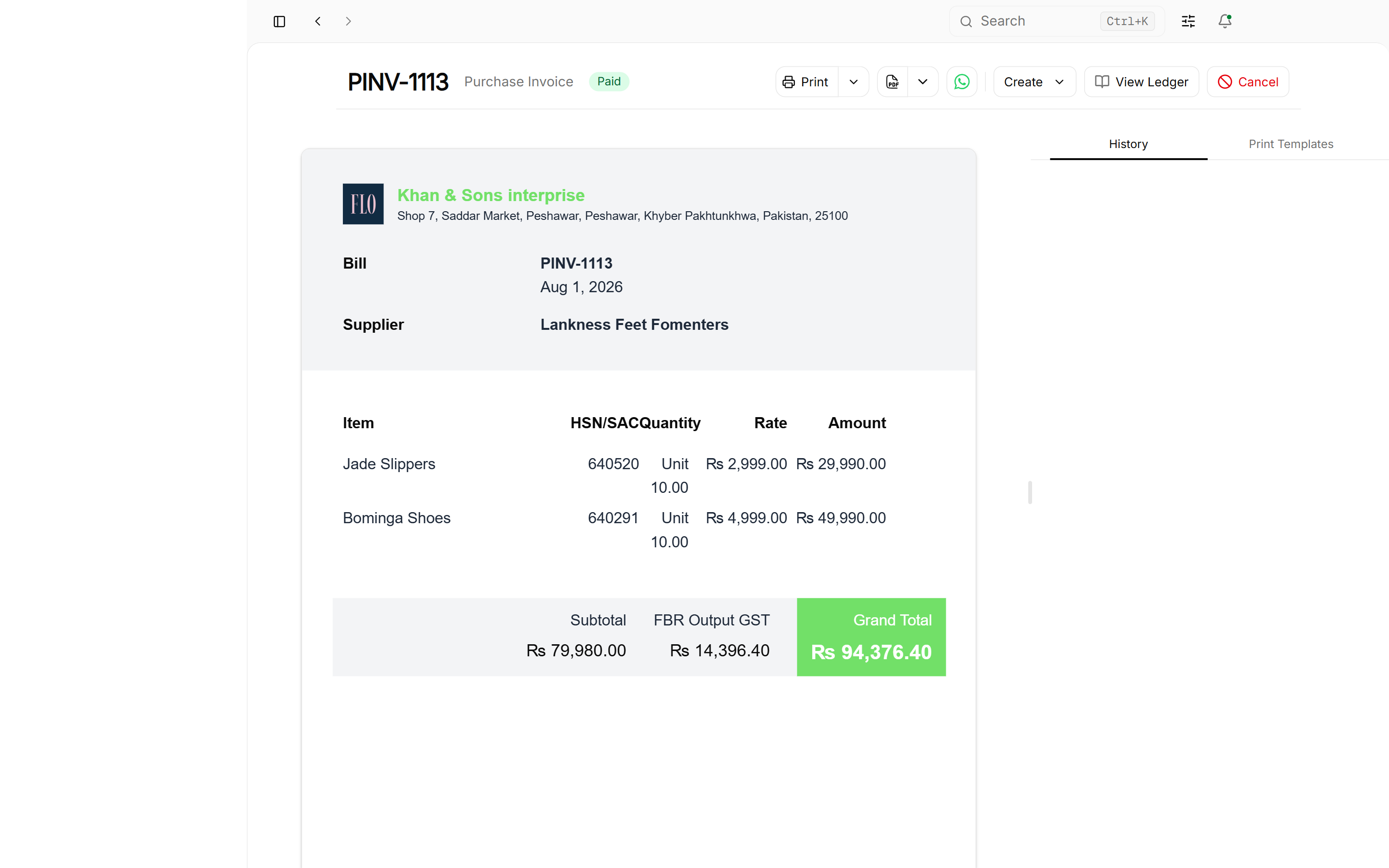
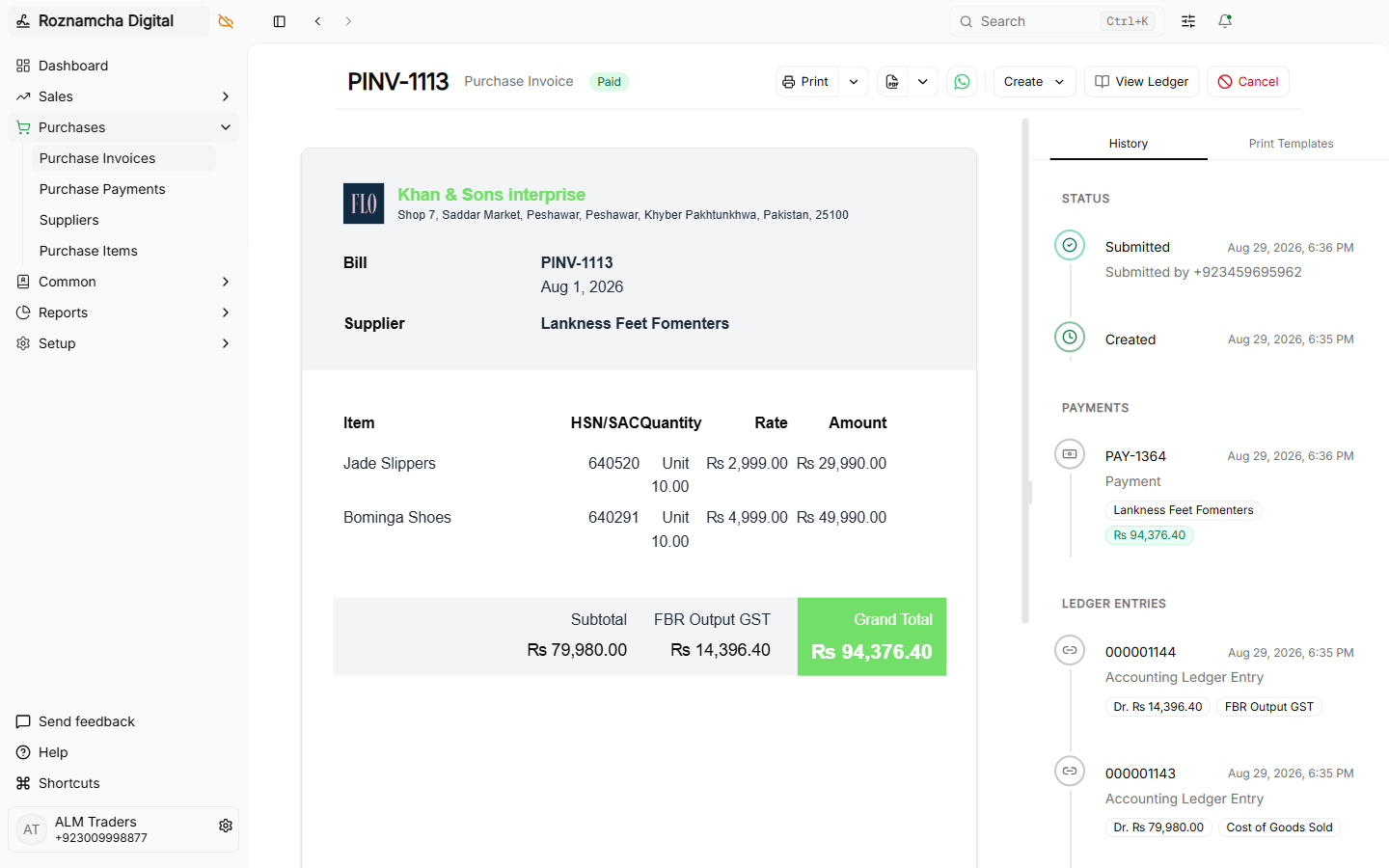
Recording a Purchase Invoice (Stock Merchandise)
Navigate to Accounting > Purchase Invoices > New Purchase Invoice (or press Ctrl+K and type New Purchase Invoice).
1. Supplier & Reference Numbers
- Select the Supplier.
- Enter the vendor's physical paper invoice number in the Supplier Invoice # field for reconciliation.
2. Line Items, Batches & Serial Tracking
- Select items from your catalog.
- If items have batch or serial tracking enabled, specify batch lot expiry dates or serial codes per row:
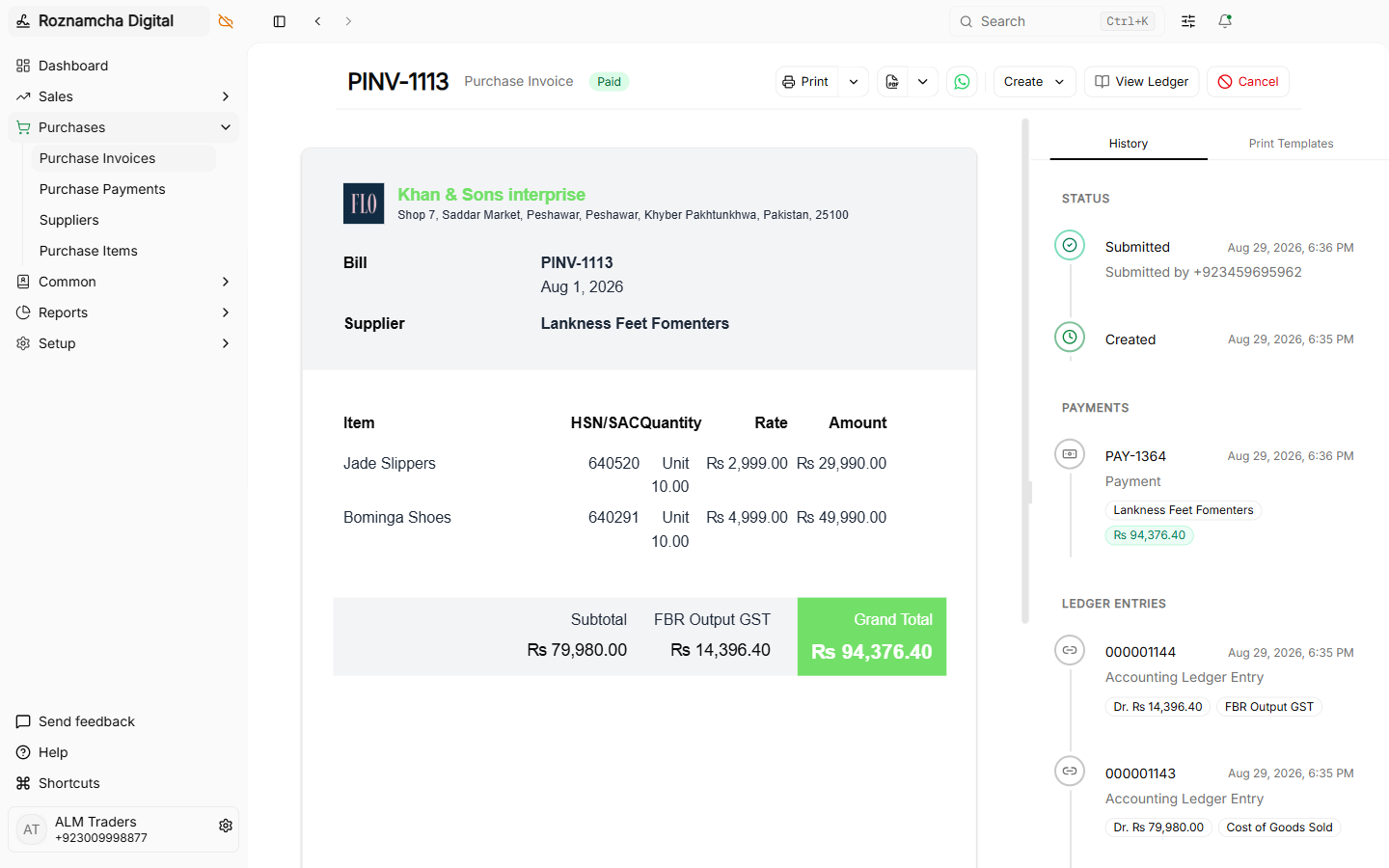
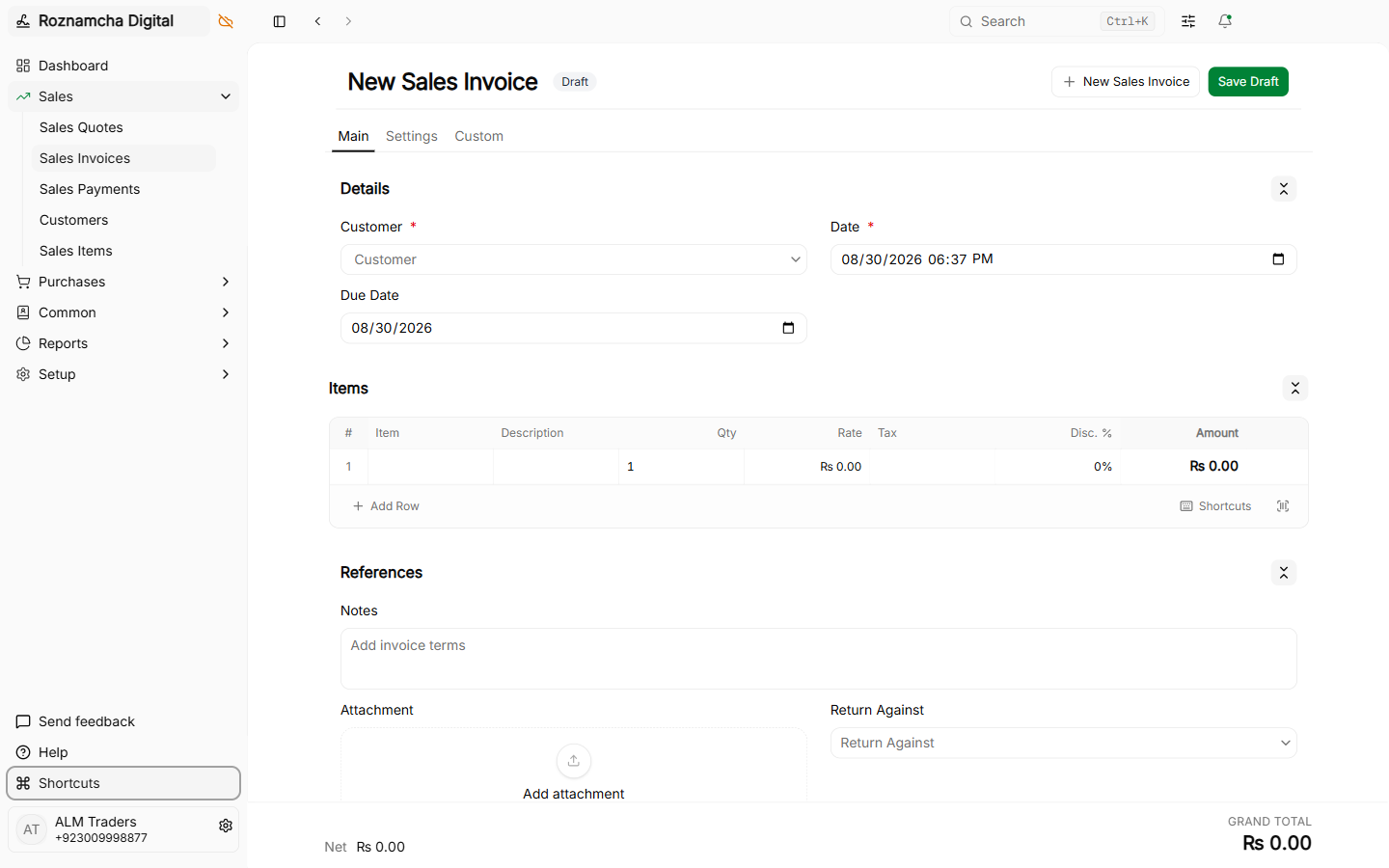
3. Direct Supplier Payment & Auto Goods Receipt Toggles
Roznamcha Digital can automate immediate payment disbursement and warehouse stock receipt at the moment of invoice submission:
- Include Payment Toggle (Cash Purchase): Automatically creates and submits a
Paymentvoucher from your selected cash drawer or bank ledger upon purchase bill submission. - Auto Stock Transfer Toggle (Instant Goods Receipt): When checked, automatically generates and submits a
Purchase Receiptstock voucher into your default warehouse (Defaults > Purchase Receipt Location), updating stock balances in real time.
Booking Direct Overhead & Operating Expenses
Not all vendor bills are for resalable inventory. To record operating expenses like Office Rent, Electricity Bills, or Consulting Fees:
Steps to Book an Expense:
- Create a Purchase Invoice with the service provider as the Supplier (e.g., Islamabad Electric Supply Co. or Commercial Plaza Landlord).
- Select an expense item (e.g.,
Electricity BillorMonthly Office Rentwhere Maintain Stock is unchecked). - The invoice automatically debits the designated Expense Ledger Account without altering warehouse inventory.
Purchase Returns & Debit Notes
If goods arrive damaged, expired, or defective, you return them to the vendor and issue a Debit Note:
1. Creating a Debit Note:
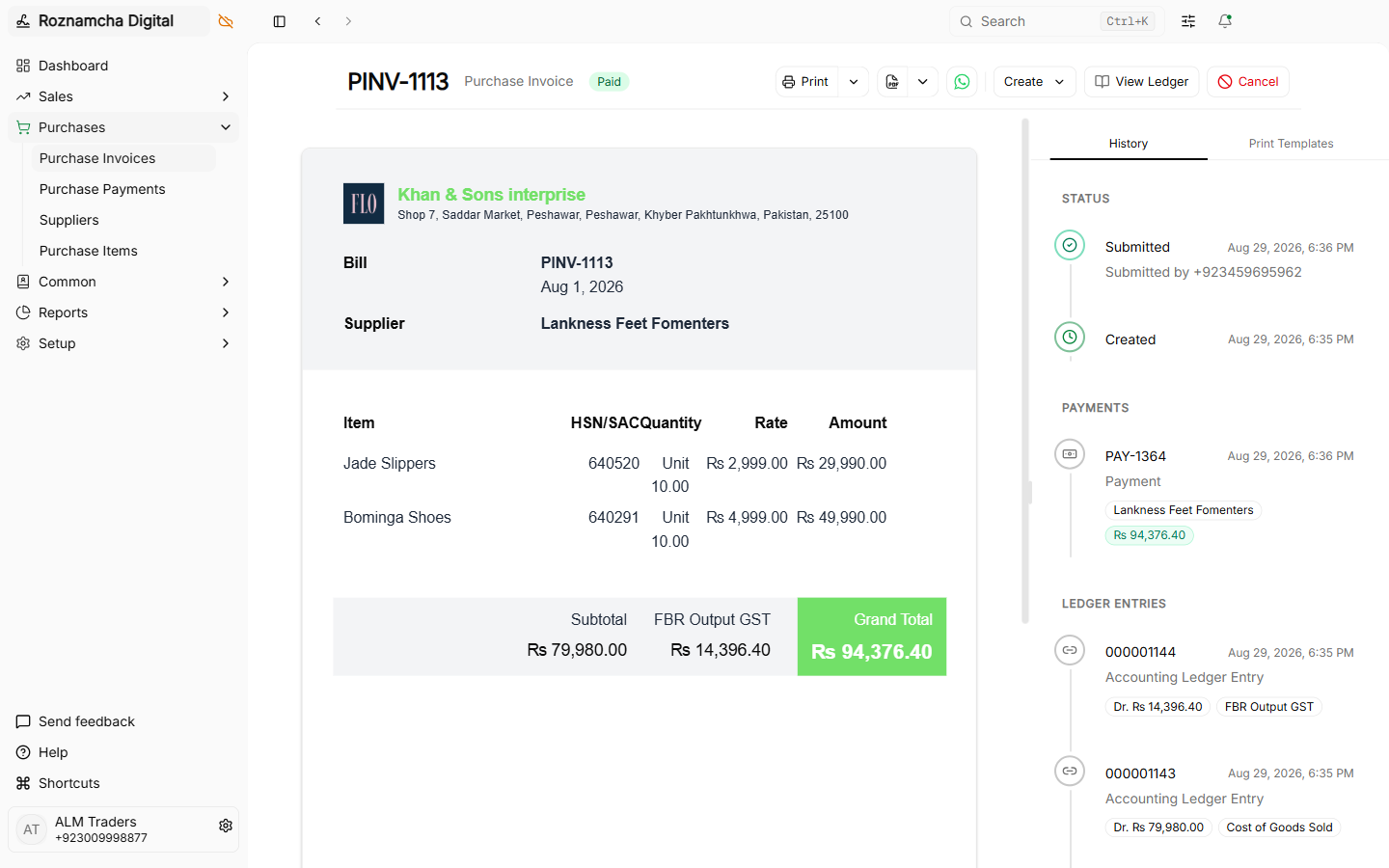
Open the original submitted purchase invoice, click the Actions Menu (three dots), and click Create Return:
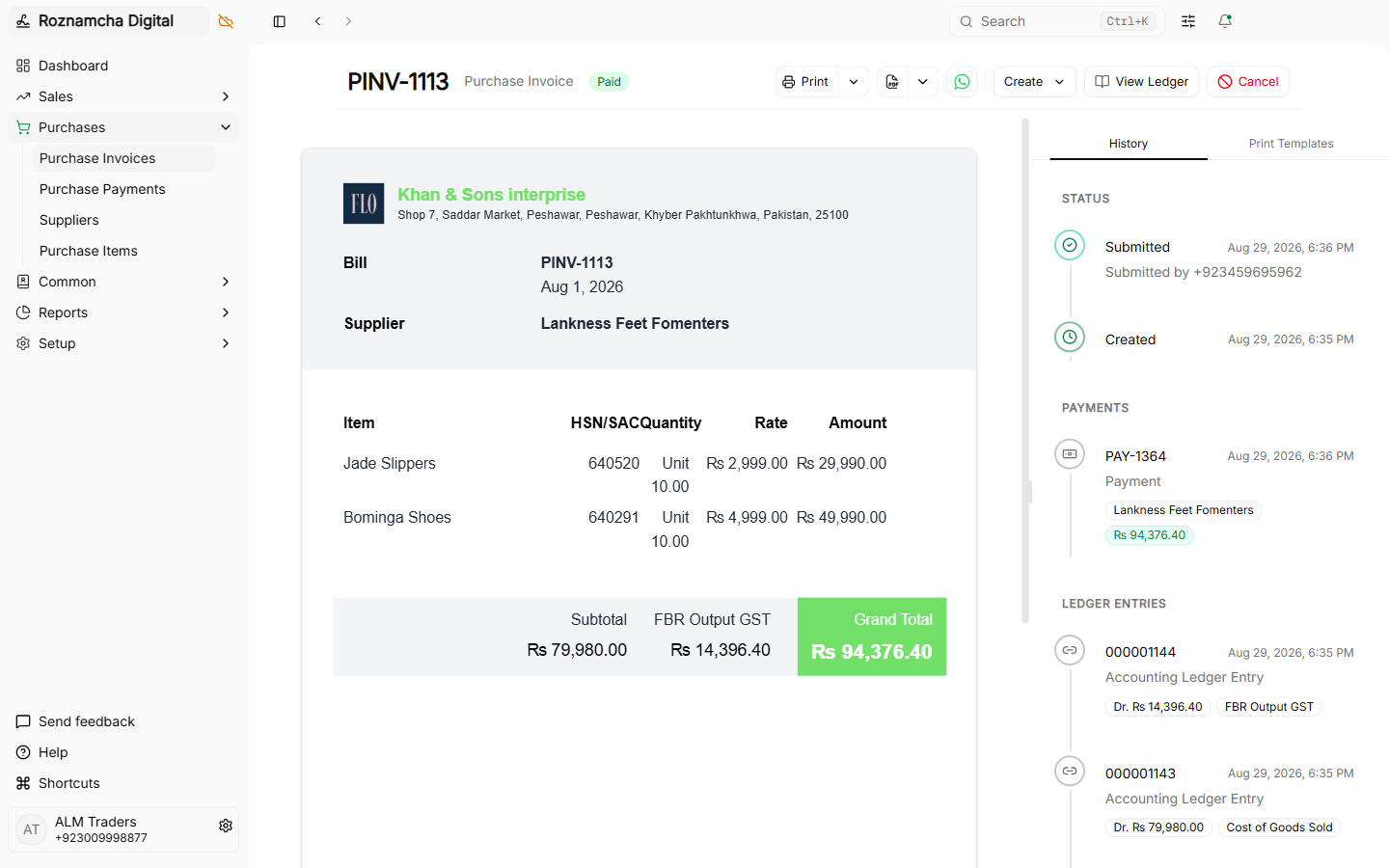
Roznamcha Digital creates a new Purchase Invoice in Debit Note / Return mode:
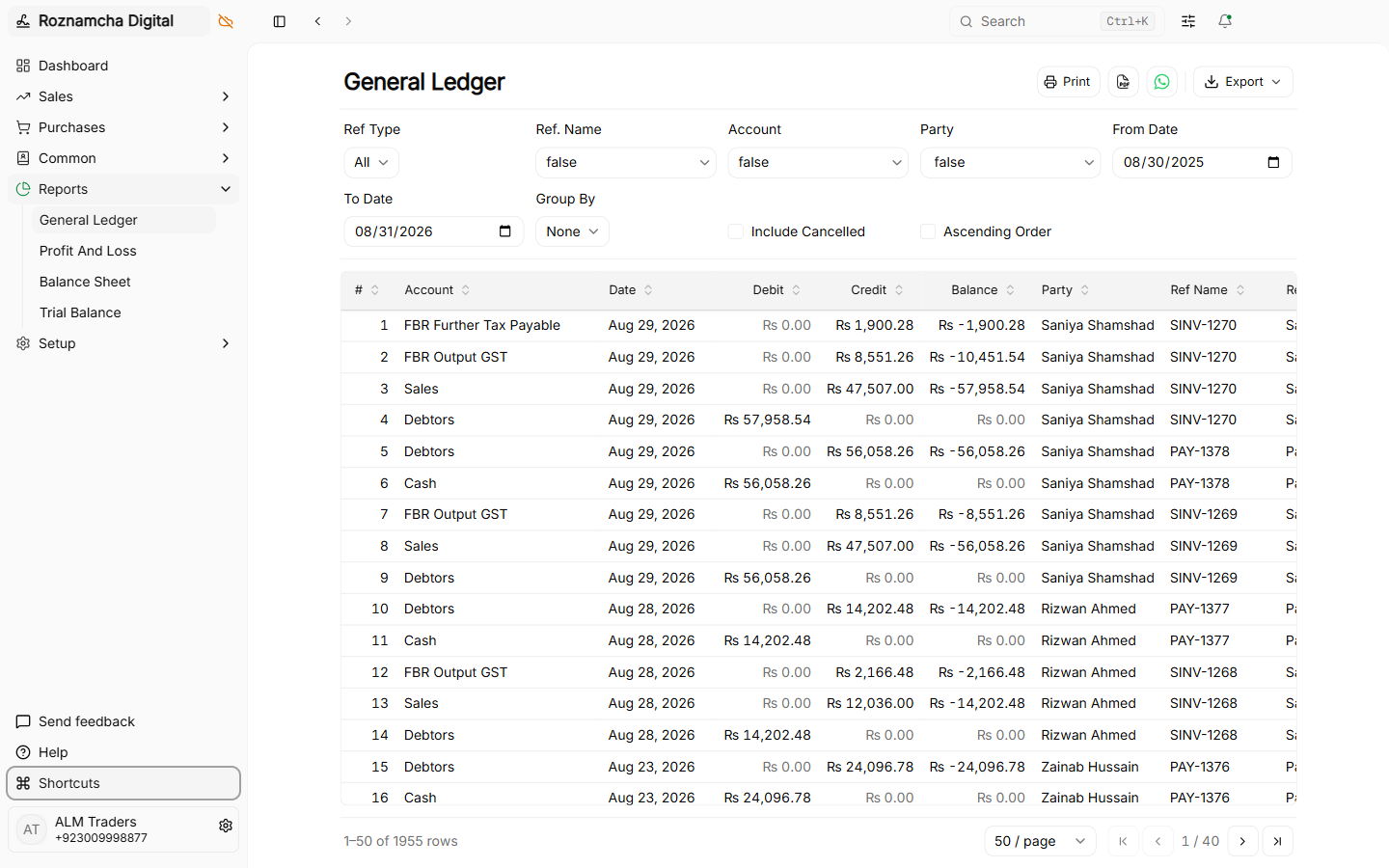
2. General Ledger Impact of a Debit Note:
Submitting the Debit Note reduces your Accounts Payable debt and removes the stock value:
Common Pitfalls & Best Practices
Do Not Forget the Supplier Invoice Number: Always enter the supplier's physical bill number in the Supplier Invoice # field. When matching monthly vendor statements, this is the quickest way to resolve balance discrepancies.
Match Received Quantities with Purchase Receipts: If your warehouse receives shipments before accounting receives the bill, use the Purchase Receipt (GRN) module first, then link it to the purchase invoice.
Knowledge Check
Sales Cycle: Quotations, Invoicing, Discounts & Returns
Master the full sales workflow: Sales Quotations, Invoices, Line-Item & Bill Discounts, Multi-Currency billing, and Credit Notes.
Payments, Cash Flow & Multi-Account Banking
Master customer receipts, vendor disbursements, unallocated advances, invoice reconciliation, and bank-to-cash contra transfers.