Customer & Vendor Master Data, Item Catalog & Regional Taxes
Configure Customers, Suppliers, Item Catalog, Price Lists, Units of Measure, Barcodes, and Regional Tax Templates (FBR GST, PRA, SRB, VAT).
Learning Objectives
By the end of this guide, you will:
- Create and manage Parties (Customers & Suppliers) with properly formatted WhatsApp phone numbers.
- Build an Item Catalog distinguishing between physical inventory goods and billable services.
- Rapidly create product variants using Duplicate Item actions.
- Enable and configure multi-tier Price Lists (e.g. Standard Selling, Wholesale, VIP).
- Set up Regional Tax Templates (FBR GST, Provincial PRA/SRB/KPRA sales taxes, and international VAT).
Parties: Customers & Suppliers
In Roznamcha Digital, a Party represents any individual or company you transact with.
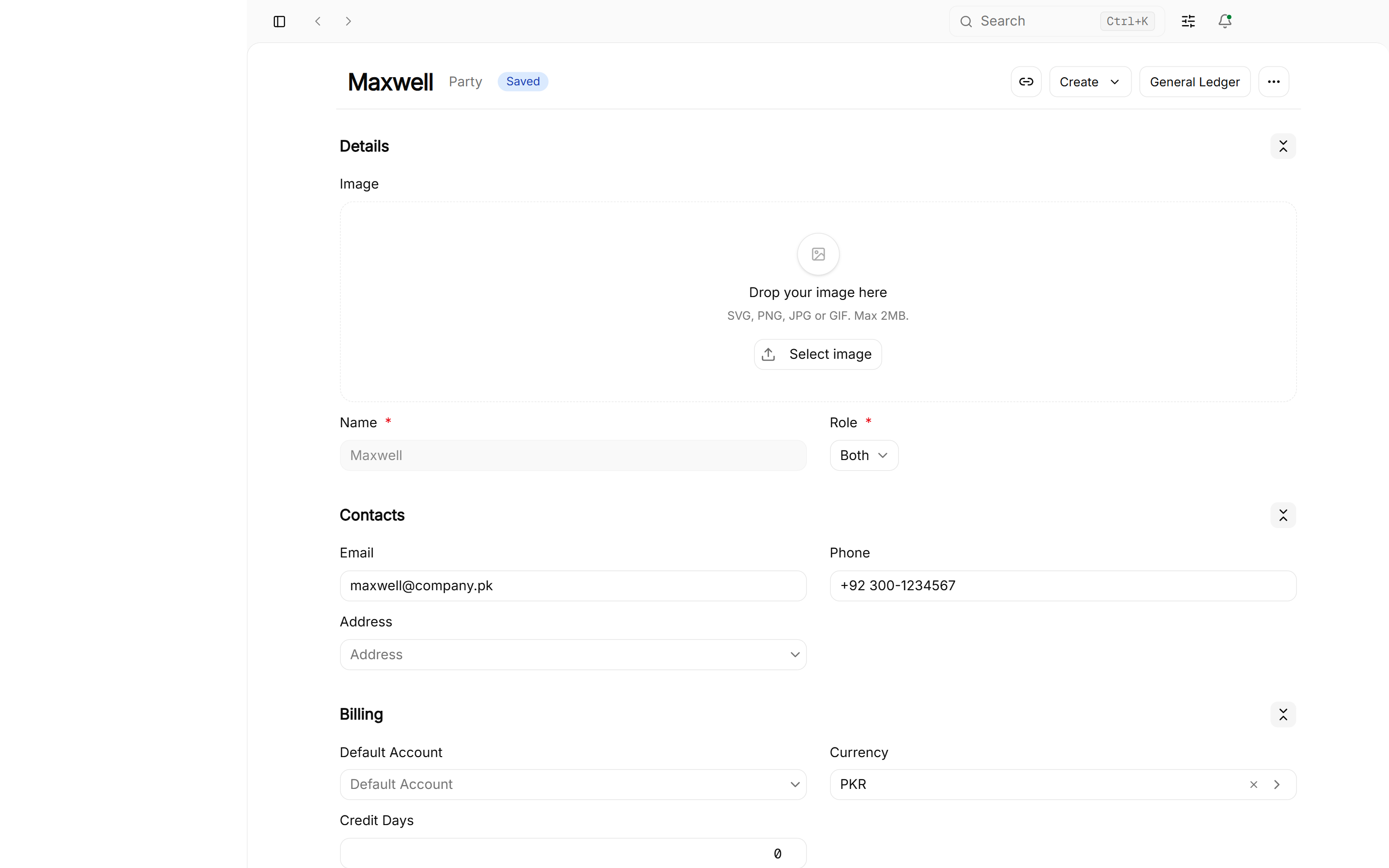
Detailed Customer & Supplier Profile Setup:
Navigate to Master Data > Parties > New Party:
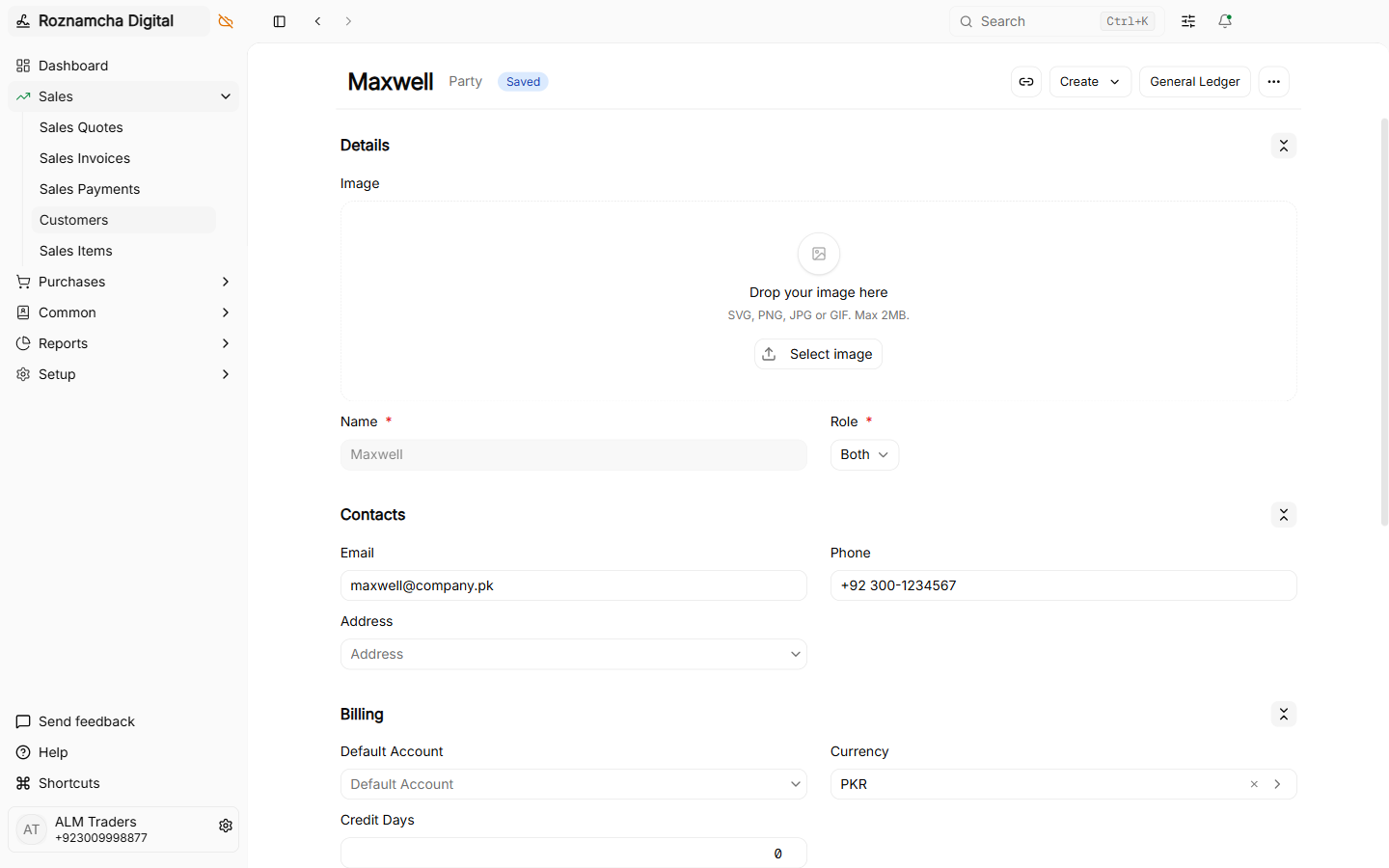
- Party Type:
Customer,Supplier, orBoth. - Primary Contact & WhatsApp Number: Enter the phone number (
03001234567or+923001234567). Roznamcha Digital normalizes this number automatically for 1-click WhatsApp PDF invoice delivery. - Tax Registration / NTN / STRN / TRN: Customer or vendor's tax registration identifier printed on invoices.
- Default Currency: Default transaction currency if transacting in foreign currency.
- Credit Limit & Credit Days: Maximum credit exposure and allowed payment term days (e.g.
30 Days). - Receivable / Payable Account: The specific control ledger account linked to this party (defaults to Debtors / Accounts Receivable or Creditors / Accounts Payable).
Recent Transactions & Ledger Insights
When viewing an existing Party profile, the embedded Recent Invoices panel automatically displays:
- The last 3 sales or purchase transactions.
- Invoice date, voucher reference number, and document status (
Paid,Unpaid,Overdue). - Total outstanding balance with a 1-click button to view their full account statement in the General Ledger.
Lead Conversion Lifecycle
When managing pre-sales prospects under CRM / Leads, marking a lead as Converted automatically creates a corresponding Customer Party record, linking all historical notes and quotes seamlessly.
Items: Product Catalog, Services & Stock Settings
Every line item on a sales or purchase document references an Item Master.
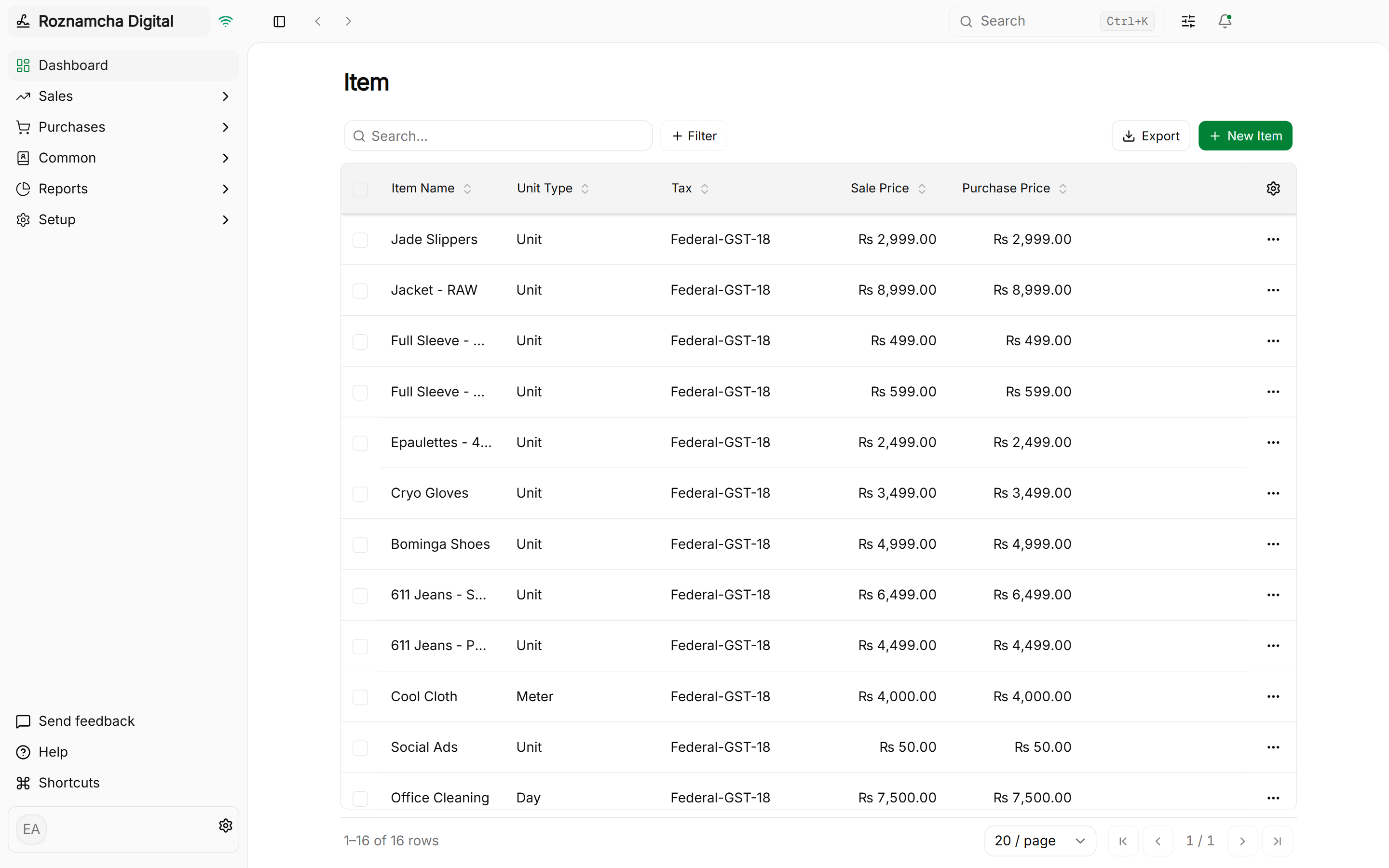
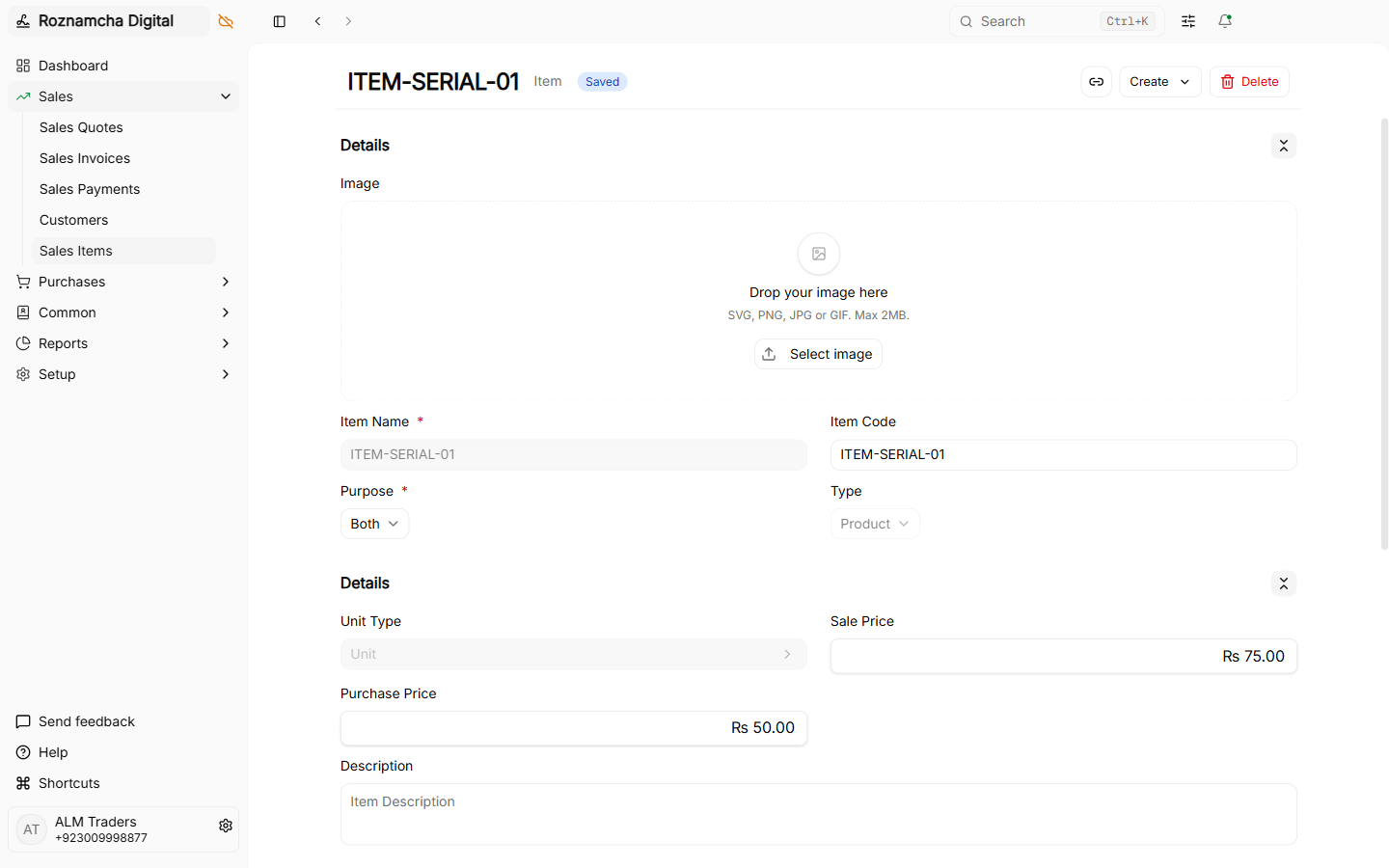
Critical Item Properties:
- Maintain Stock Toggle:
- Checked: Physical product stored in warehouses. Purchases increase quantity and stock asset valuation; sales decrease quantity and post to Cost of Goods Sold (COGS).
- Unchecked: Non-physical item (e.g. Consulting Hours, Delivery Charges, Software License). Transactions post directly to Revenue/Expense without impacting inventory ledgers.
- Unit of Measure (UOM): The measurement unit (
Nos,Pcs,Kg,Mtr,Box,Ltr,Hours). - Barcode / SKU: Scanned directly at the POS counter or during warehouse packing.
- Valuation Method:
FIFO(First-In, First-Out) orMoving Averagefor automatic real-time stock valuation.
Duplicating & Deleting Items (Relational Integrity)
To quickly create item variants with identical tax and account mappings, use the Duplicate action:
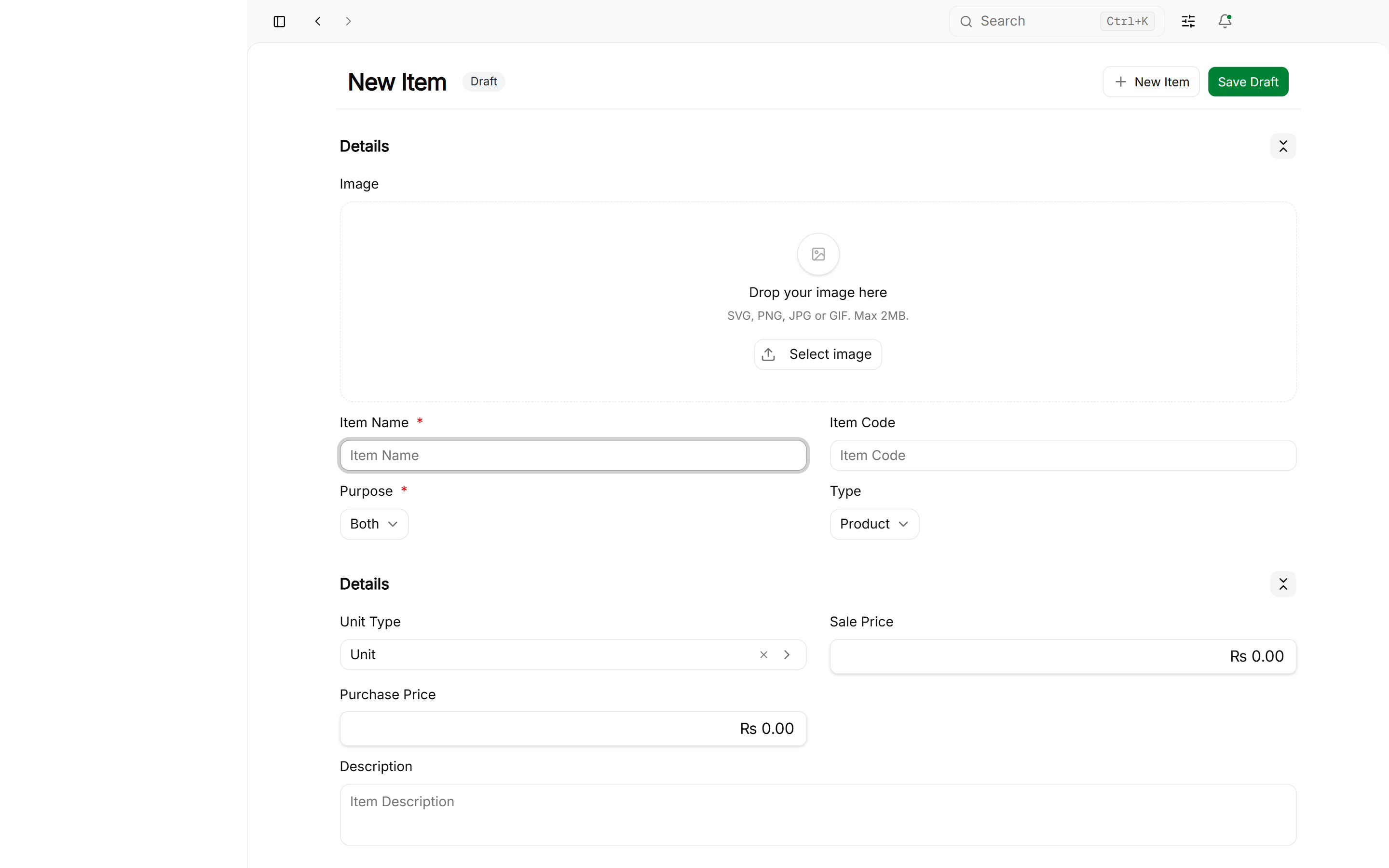
Relational Integrity Protection: Items or Parties that have been referenced in submitted transactions (Invoices, Stock Transfers, Payments) cannot be deleted. If an item is discontinued or a customer is inactive, keep the record intact to maintain permanent accounting and audit compliance.
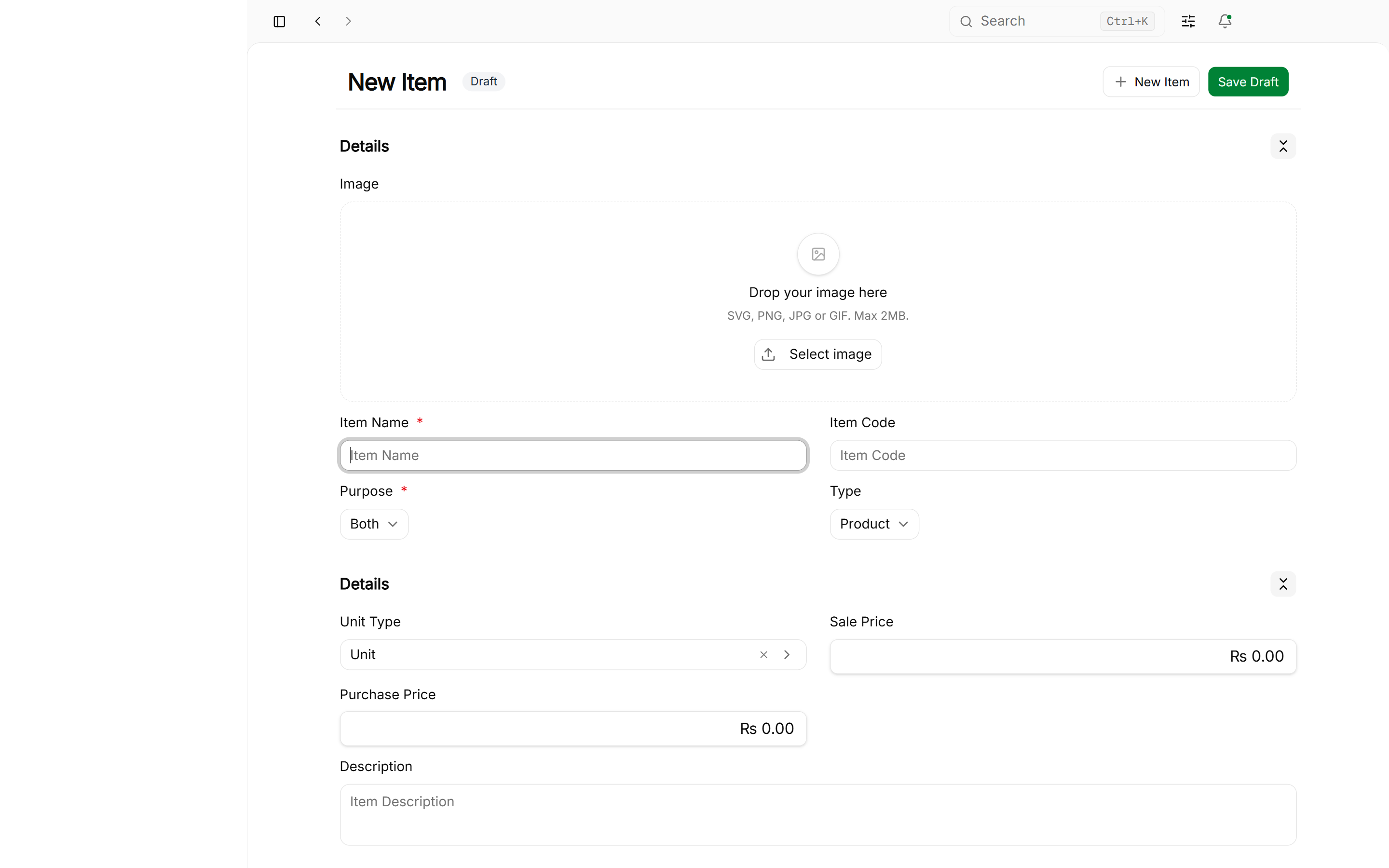
If an item was created in error and has no submitted transactional history, you can safely delete it:
Price Lists (Wholesale vs. Retail)
Roznamcha Digital allows you to create multiple Price Lists to manage tiered pricing for different customer segments:
1. Enabling Price Lists:
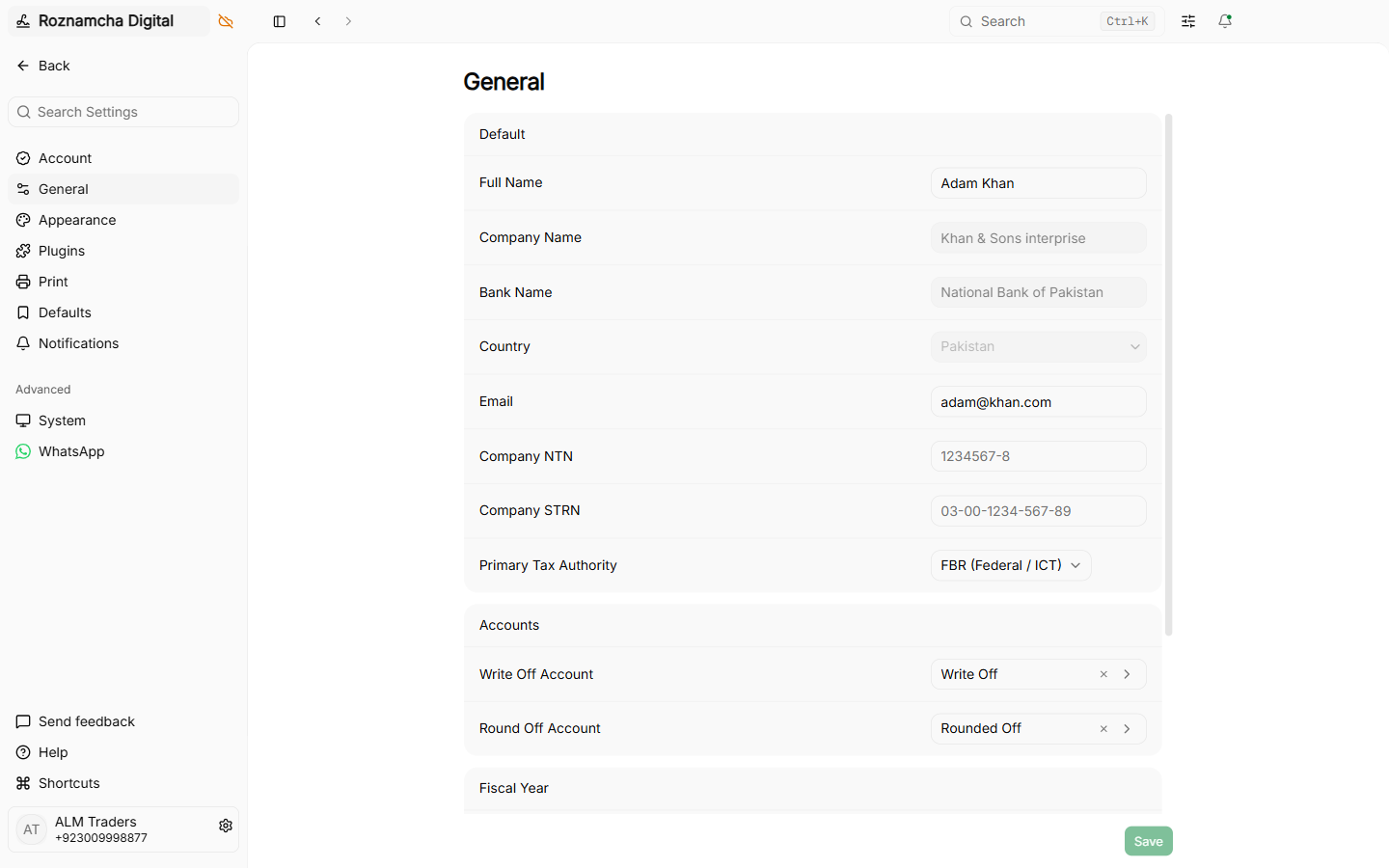
Navigate to Settings > Features and enable Price Lists:
2. Creating a Price List:
Navigate to Master Data > Price Lists > New Price List:
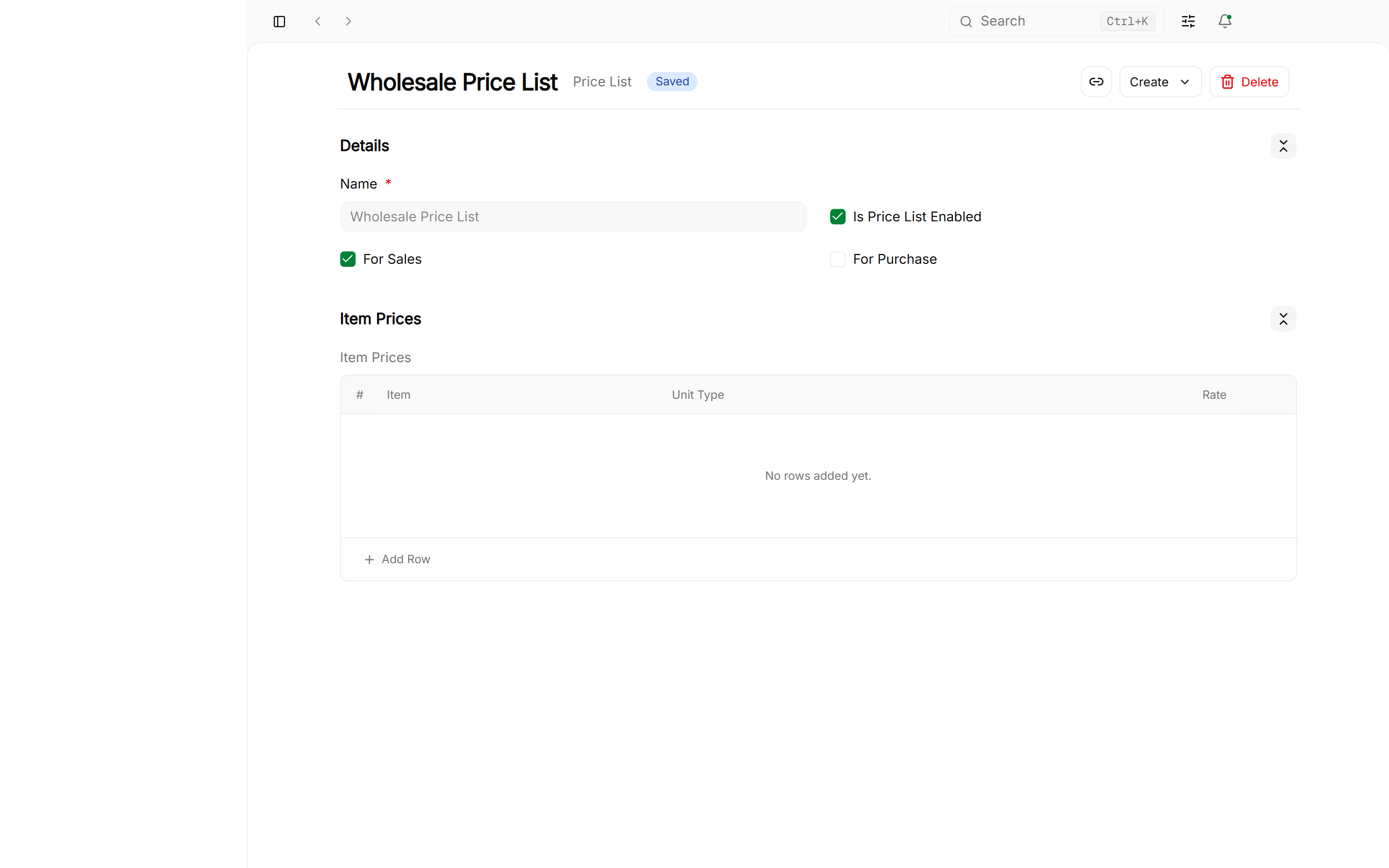
- Price List Name: E.g. Standard Selling or Wholesale Tier 1.
- Currency: Currency of the price list (
PKR,USD,AED). - Item Prices Table: Assign customized selling rates per item:
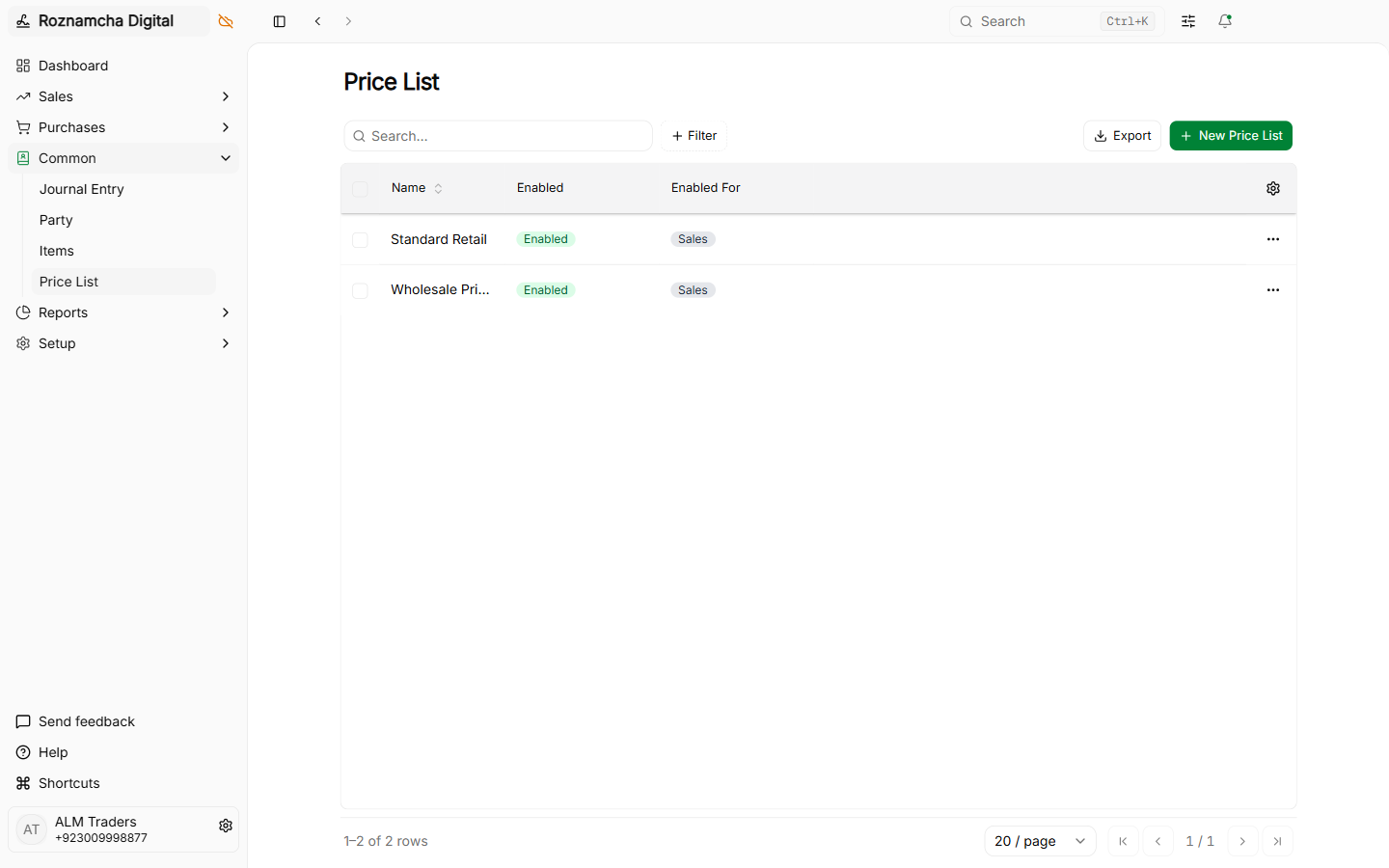
When selecting a customer on a sales invoice, the system automatically loads their assigned price list rates.
Regional Tax Templates & Rules
Roznamcha Digital supports flexible, multi-jurisdiction tax configurations:
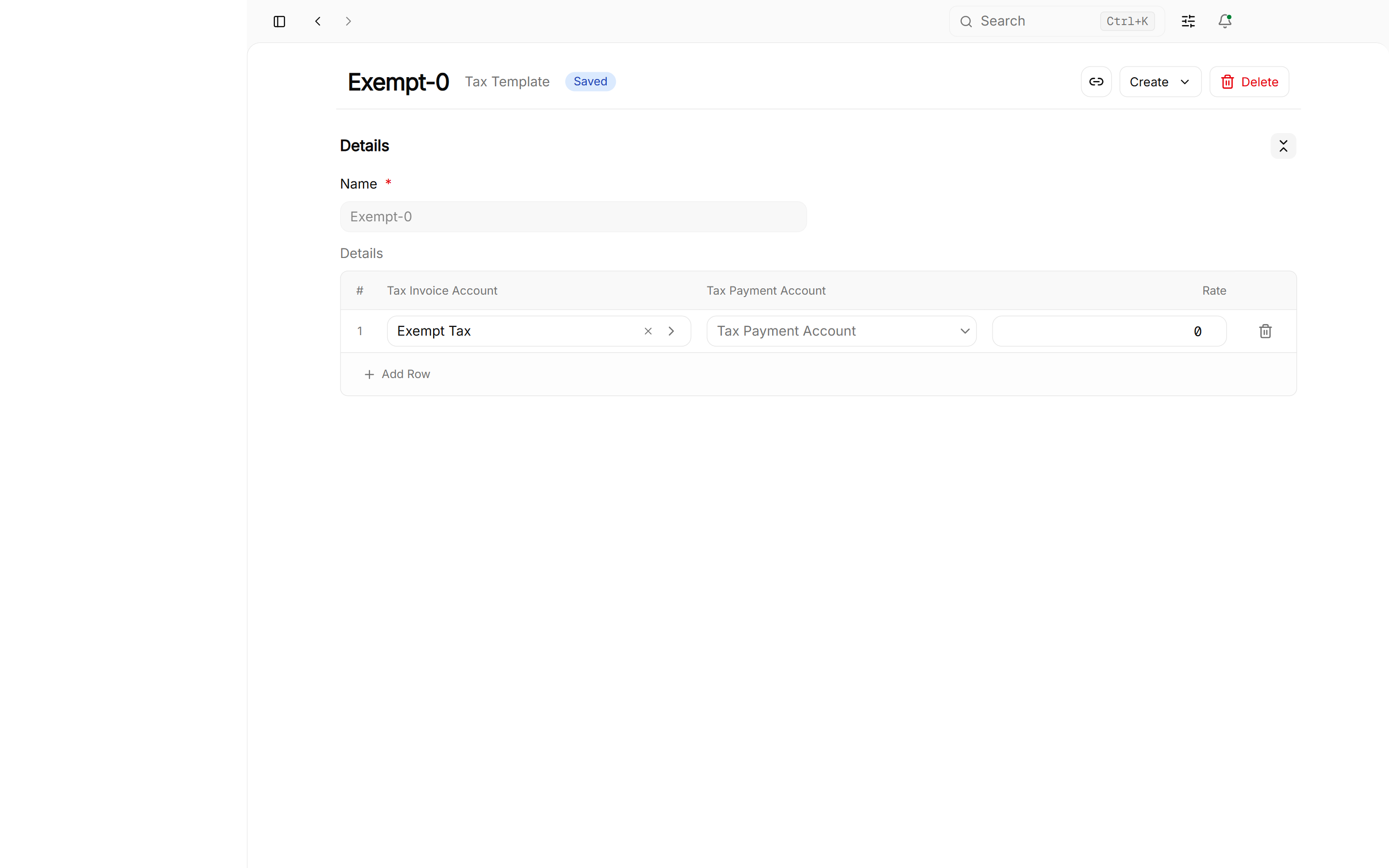
Inclusive vs. Exclusive Tax
- Exclusive Tax (Add-on): Price is PKR 100 + 18% Tax = Total invoice is PKR 118.
- Inclusive Tax (Built-in): Price is PKR 118 (which contains PKR 100 base + PKR 18 tax).
Pre-Configured Regional Tax Presets:
| Country / Region | Tax Name | Rate | Default Ledger Account |
|---|---|---|---|
| Pakistan (Federal) | FBR General Sales Tax (GST) | 18% | 2141 FBR Output Sales Tax |
| Punjab (PRA) | Punjab Sales Tax on Services | 16% | 2142 PRA Output Tax Payable |
| Sindh (SRB) | Sindh Sales Tax on Services | 13% | 2143 SRB Output Tax Payable |
| KP (KPRA) | KP Sales Tax on Services | 15% | 2144 KPRA Output Tax Payable |
| Withholding Tax | Income / Sales WHT Deductions | 1% - 15% | 2145 Advance Income Tax / WHT |
| UAE / Saudi Arabia | Value Added Tax (VAT) | 5% / 15% | 2150 VAT Output Account |
| Global Exempt | Zero-Rated / Exempt Export | 0% | 2160 Zero Rated Sales |
Common Pitfalls & Best Practices
Always Include Country Code in Customer WhatsApp Numbers:
Enter phone numbers with the international dial code (e.g. +92 300... or 92300...). Numbers saved without country codes will fail to launch WhatsApp Web.
Use Meaningful Item Codes:
Instead of generic numbers like ITEM-001, use structured SKU codes like MON-LG-27-4K or SRV-NET-INSTALL for instant search recognition.
Knowledge Check
Double-Entry Bookkeeping & Chart of Accounts Architecture
Master the 5 root account types, double-entry debit and credit rules, tree hierarchy, and custom ledger configuration in Roznamcha Digital.
Setting Up Opening Balances & Bulk CSV Data Migration
Migrate historical ledgers, bank balances, customer receivables, supplier payables, inventory counts, and use the CSV Import Wizard.