Multi-Location Warehouses, Goods Receipts & Transfers
Manage multi-location inventory, Purchase Receipts (GRN), Delivery Shipments, Inter-Warehouse Transfers, and Stock Adjustments.
Learning Objectives
By the end of this guide, you will:
- Enable inventory tracking and configure default stock accounts.
- Record Purchase Receipts (Goods Received Notes / GRN) upon supplier delivery.
- Generate Delivery Shipments (Delivery Challans) from sales invoices.
- Process purchase receipt and delivery returns.
- Execute Stock Movements (Inter-Warehouse Transfers & Stock Adjustments).
- Audit real-time quantities using the Stock Balance and Stock Ledger reports.
Enabling Inventory & Setting Default Accounts
1. Enable Inventory in Settings
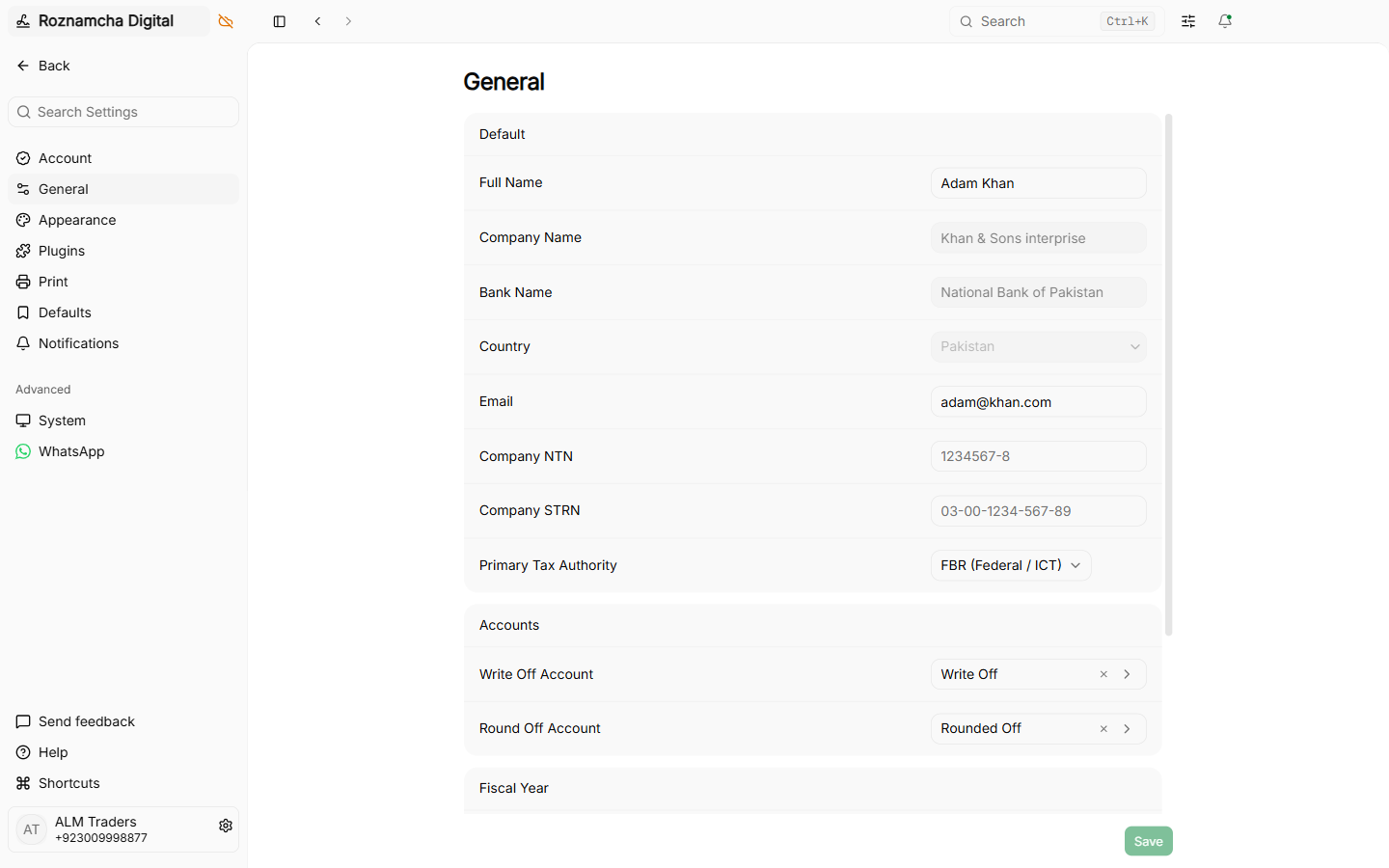
Navigate to Settings > Features and ensure Inventory is toggled ON:
2. Configure Default Inventory Accounts
Navigate to Settings > Defaults to assign default inventory control accounts:
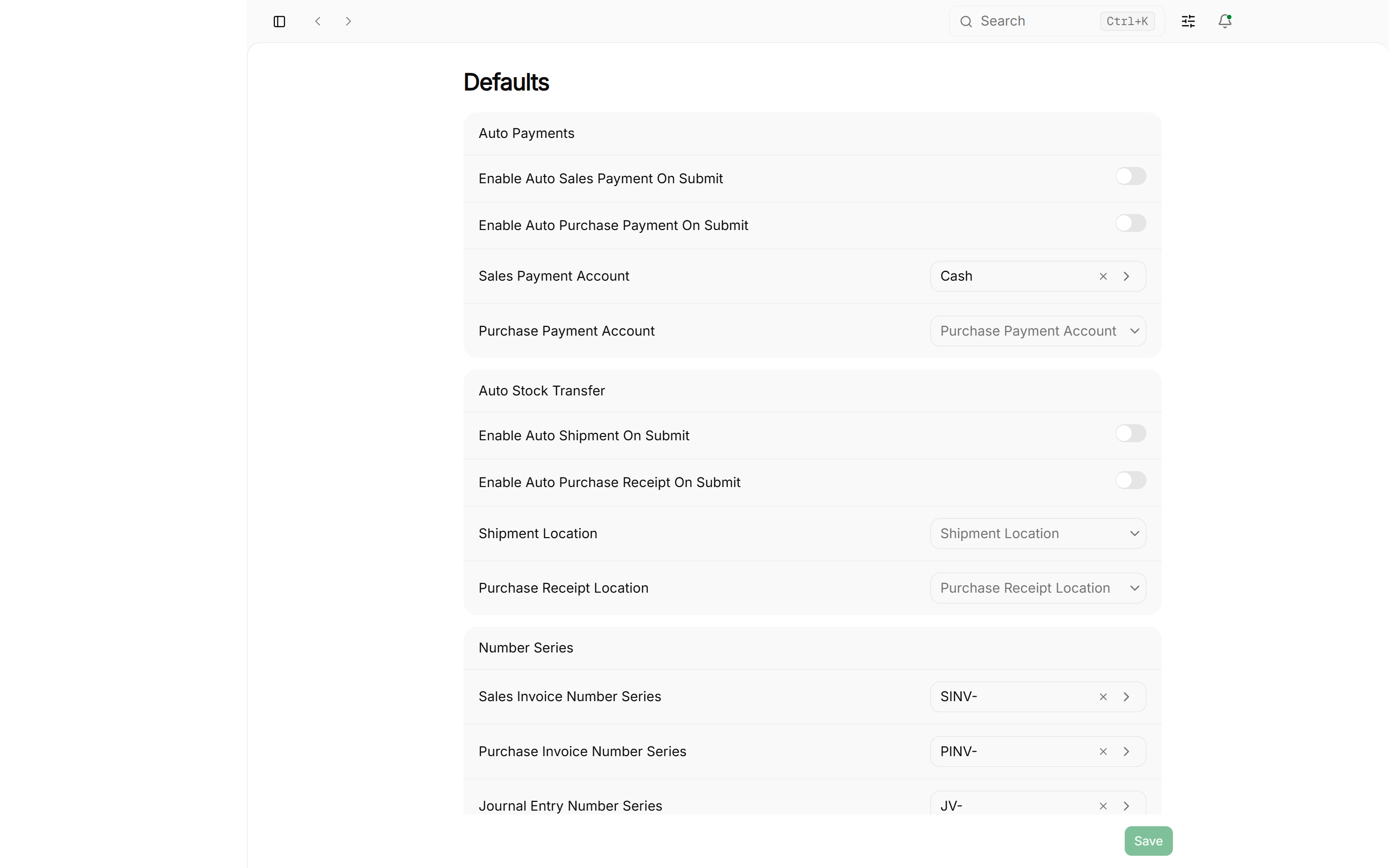
- Default Inventory Asset Account:
1140 Stock in Hand - Default Stock Adjustment Account:
5110 Cost of Goods Sold(or5115 Inventory Adjustment / Shrinkage) - Default Stock Received But Not Billed Account:
2120 Stock Received But Not Billed
Multi-Warehouse Topology
Roznamcha Digital allows you to create unlimited warehouse locations:
1. Receiving Goods: Purchase Receipts (GRN)
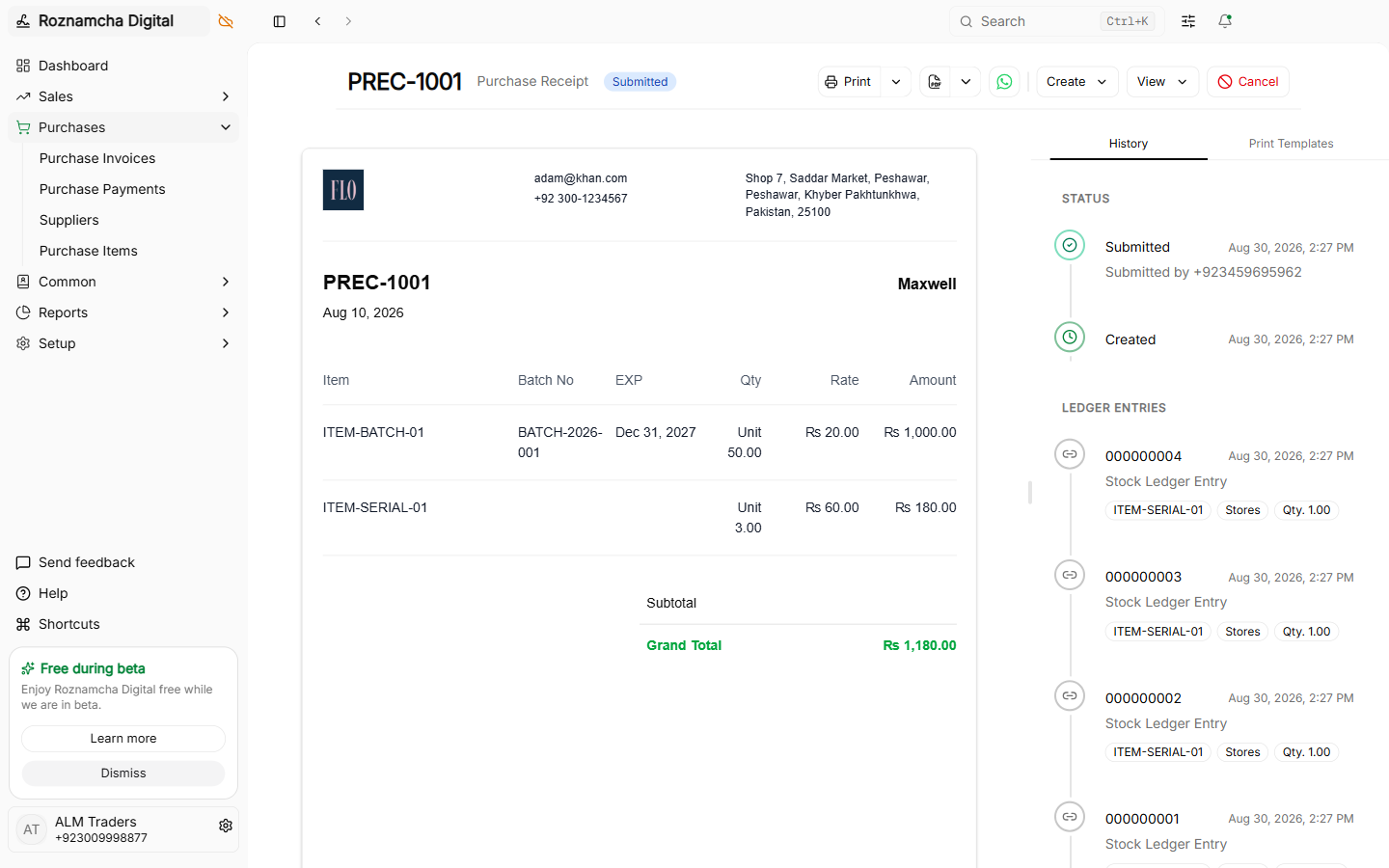
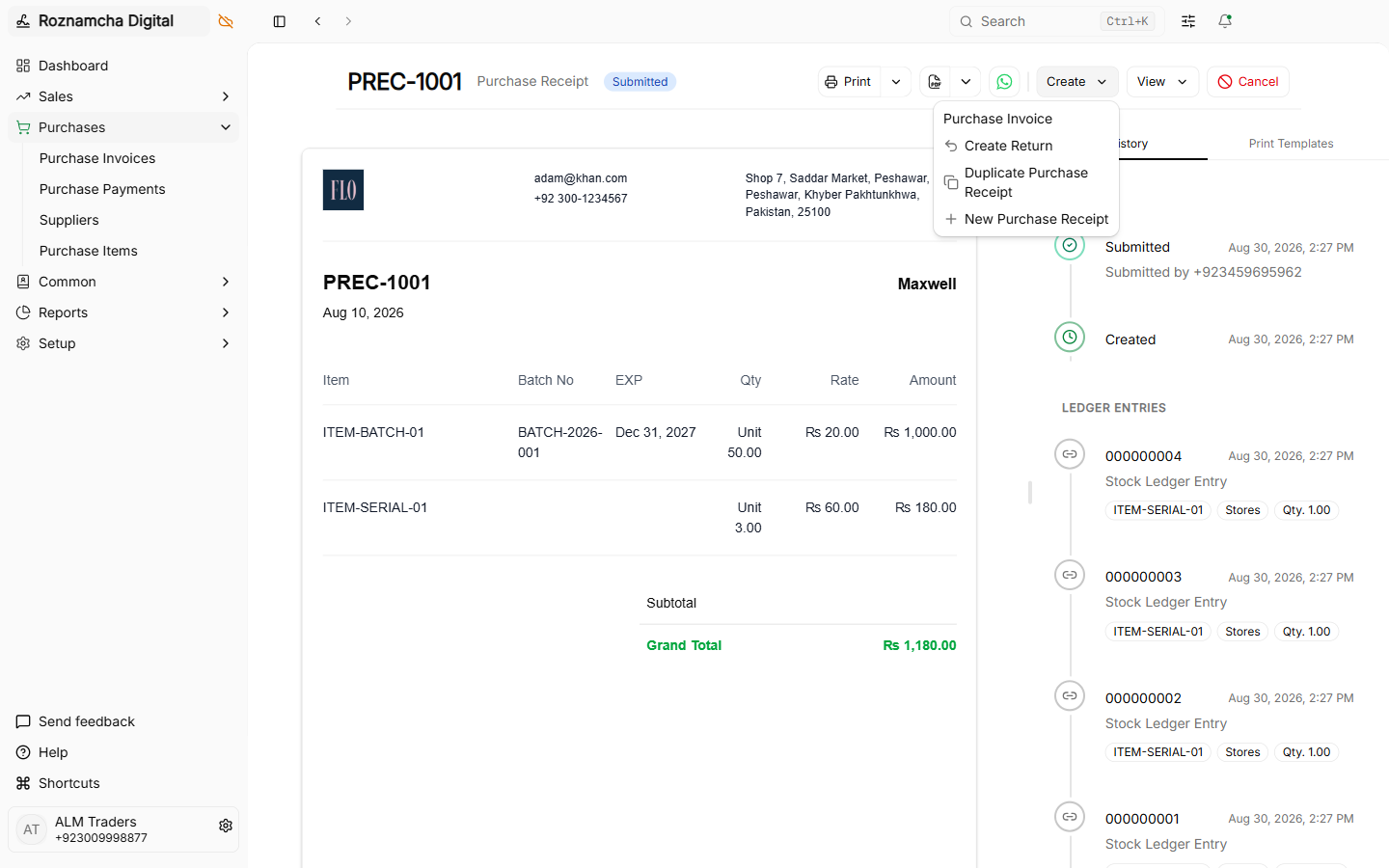
When goods arrive physically at your warehouse before the accounting department receives the vendor invoice:
Navigate to Inventory > Purchase Receipts > New Purchase Receipt:
Accounting & Stock Ledger Impact:
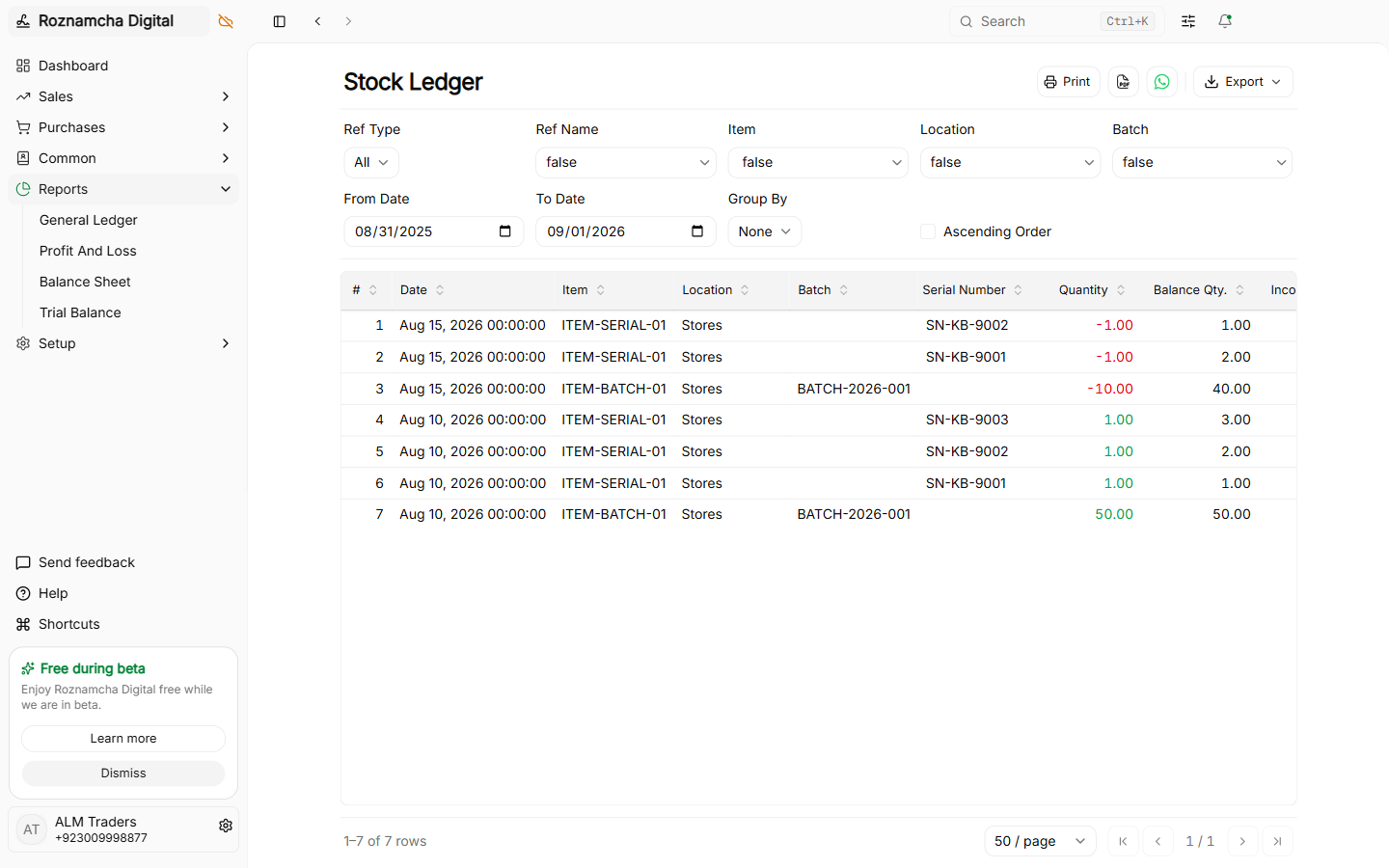
Submitting a Purchase Receipt increases stock quantity in the selected warehouse and creates Stock Ledger entries:
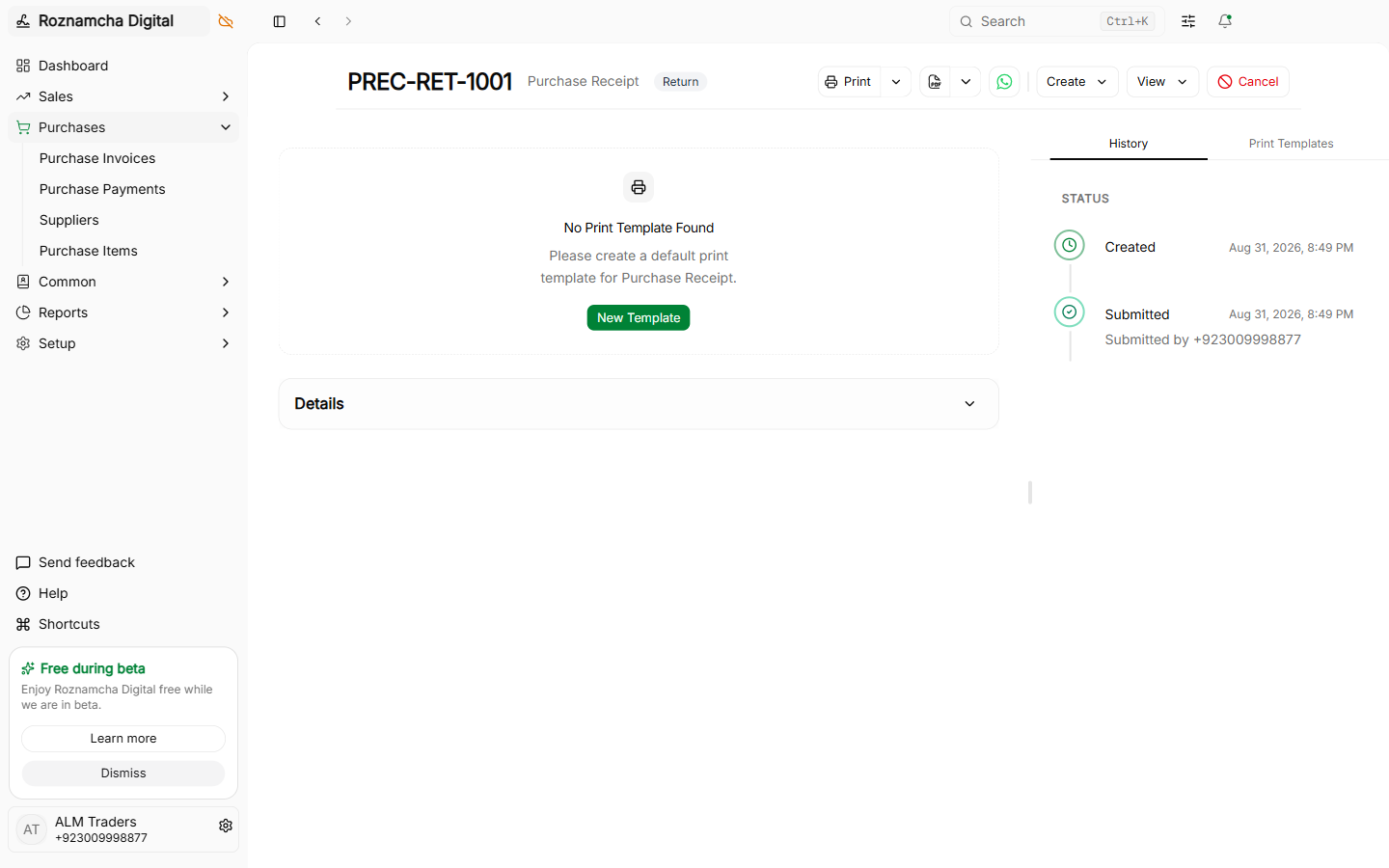
Purchase Receipt Returns:
If goods fail quality inspection on arrival, create a return directly from the receipt:
2. Dispatching Goods: Delivery Shipments (Challans)
When fulfilling sales orders and dispatching physical goods from your warehouse to a customer:
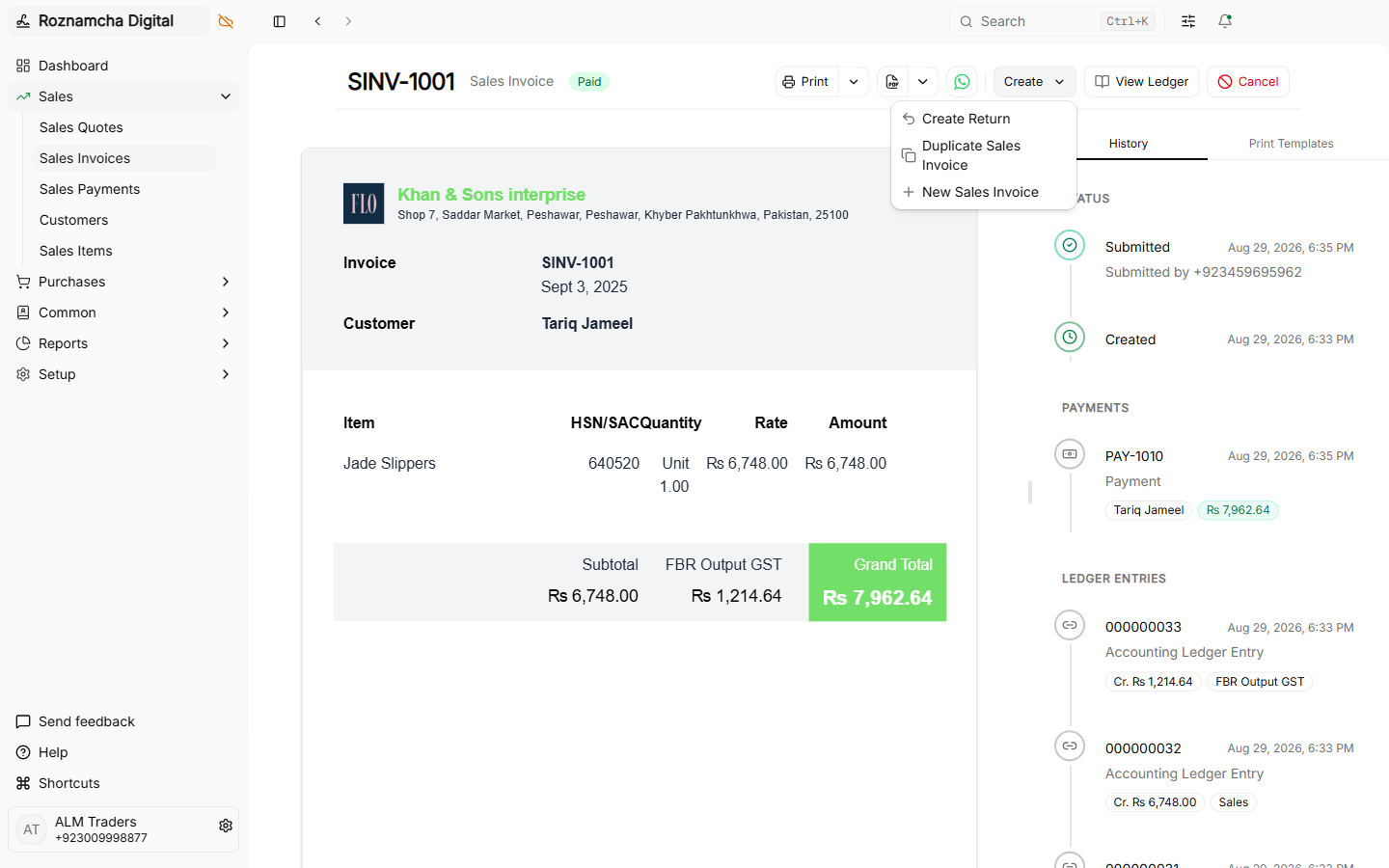
Creating a Shipment from an Invoice:
Open any submitted Sales Invoice and click Create Shipment:
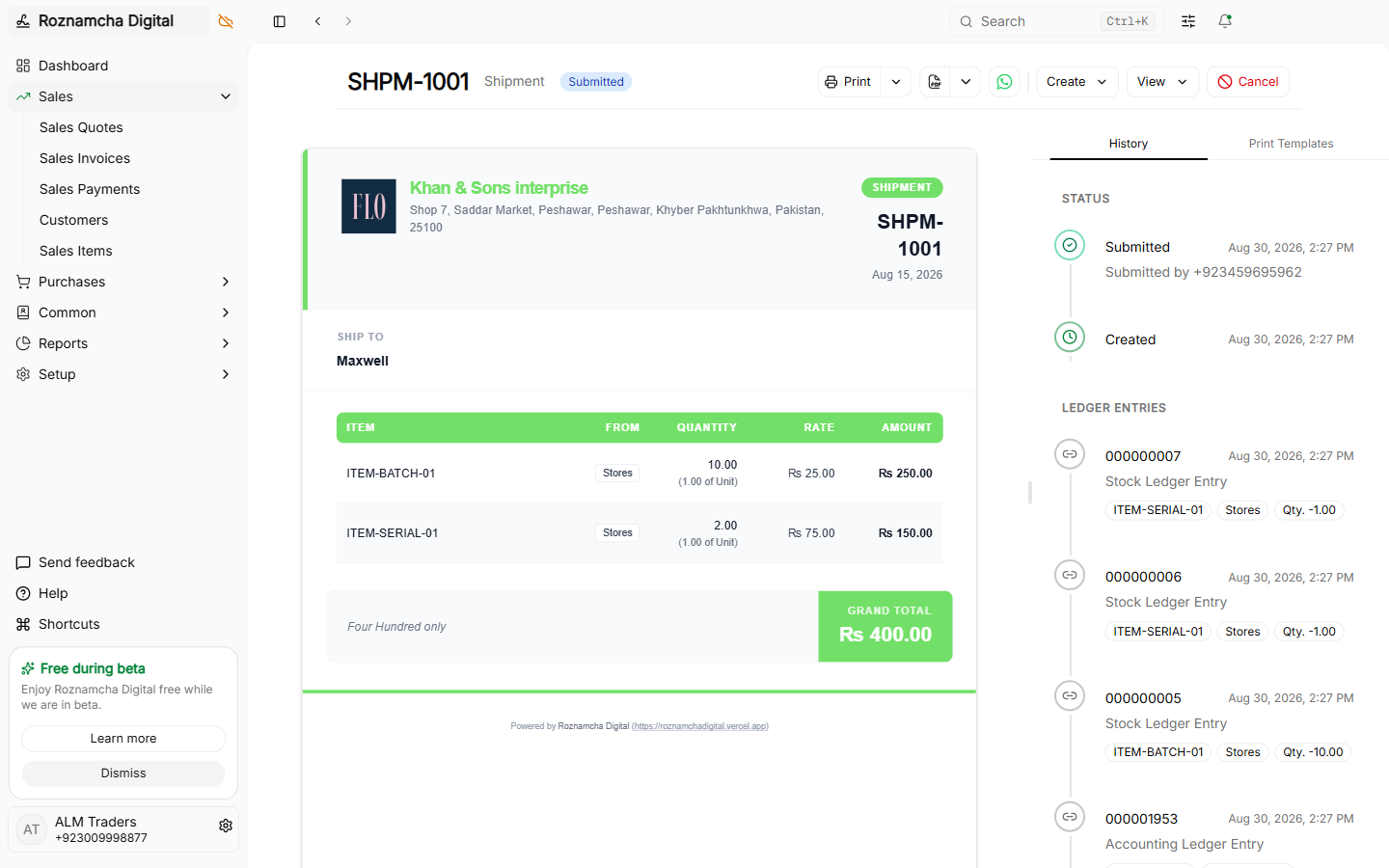
Stock Ledger Impact:
Submitting the shipment deducts the items from warehouse stock and books Cost of Goods Sold (COGS):
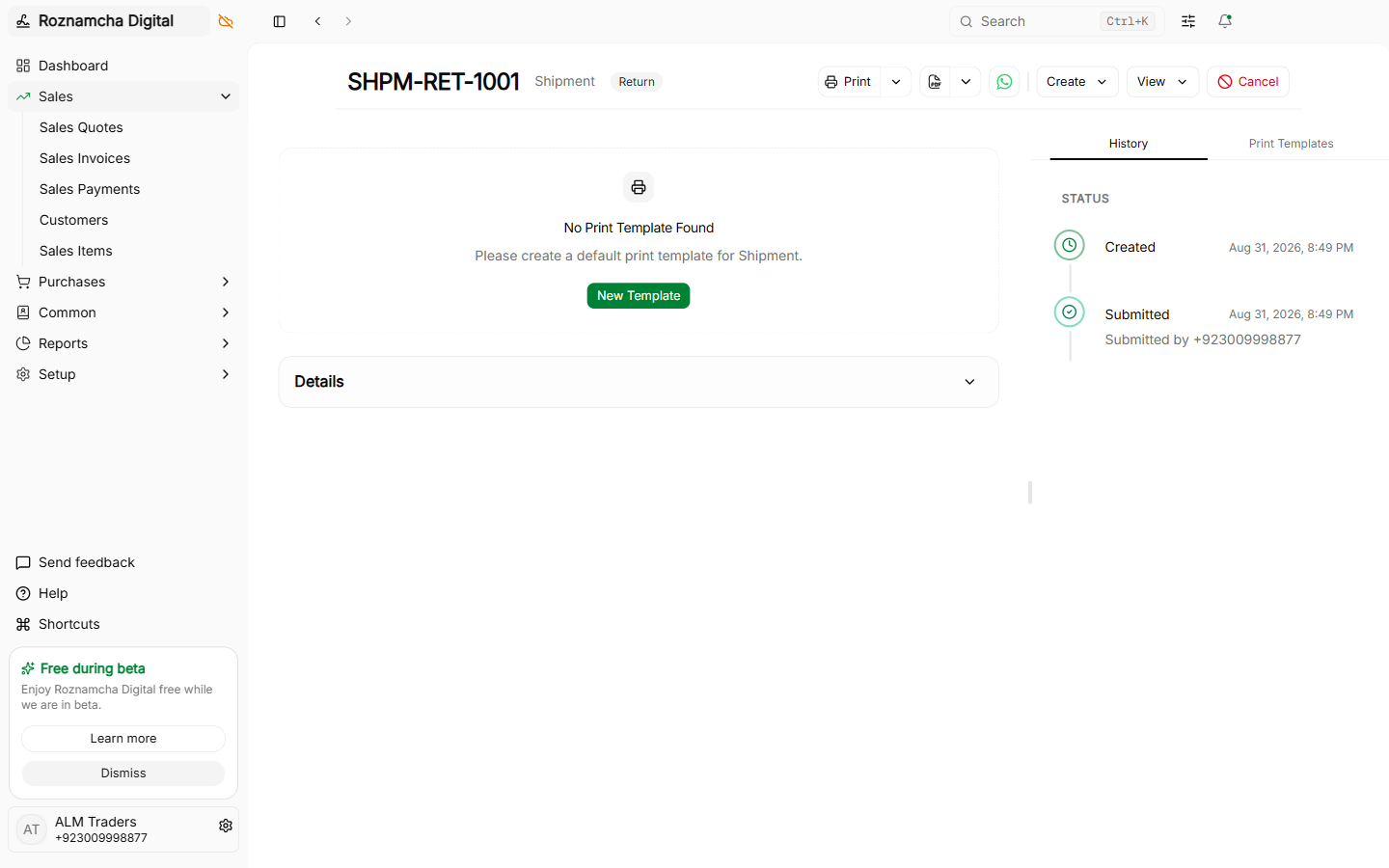
Shipment Returns:
If a customer rejects part of a delivery at their doorstep, process a shipment return:
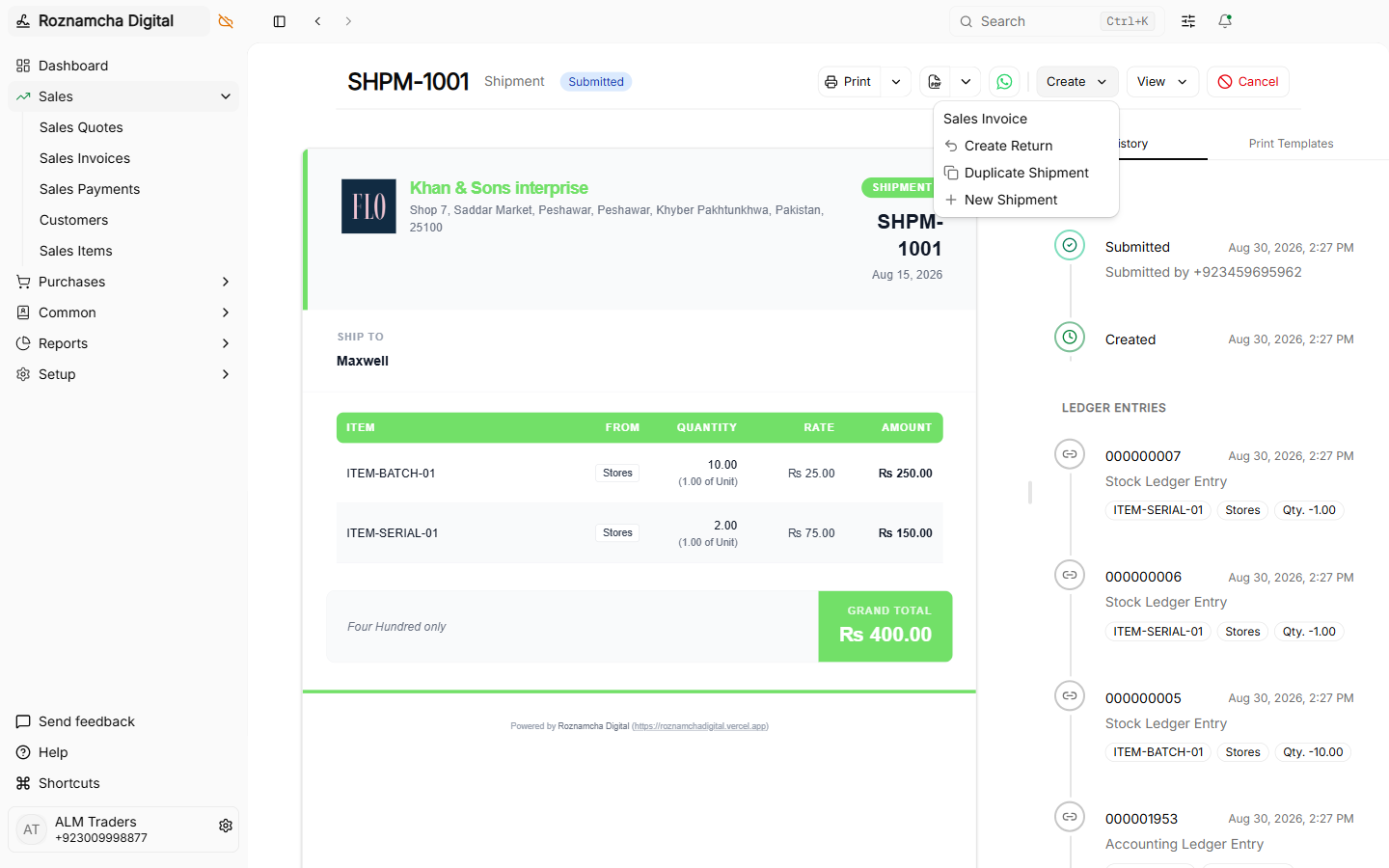
3. Stock Movements (Transfers & Adjustments)
Navigate to Inventory > Stock Movements > New Stock Movement:
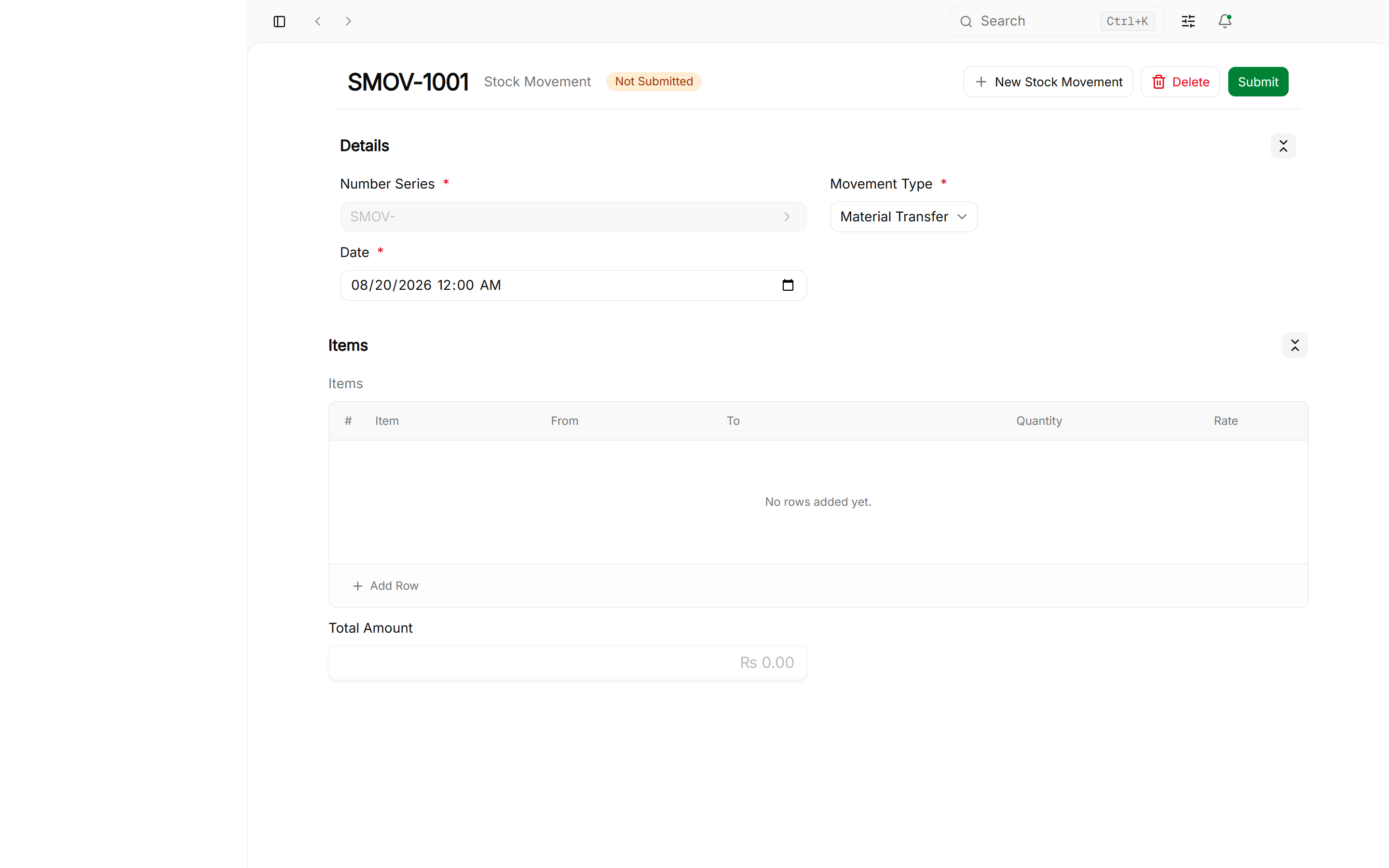
The 4 Native Movement Types:
Roznamcha Digital provides 4 distinct movement modes under the movementType selector:
| Movement Type | Source (From Location) | Destination (To Location) | Primary Business Use Case |
|---|---|---|---|
| Material Transfer | Specific Warehouse | Specific Warehouse | Moving inventory between branches (e.g. Central Godown → Retail Outlet). |
| Material Receipt | Blank | Specific Warehouse | Inward stock initialization, discovered surplus during audit, vendor gift samples. |
| Material Issue | Specific Warehouse | Blank | Stock write-off, scrapping damaged or expired goods, internal company usage. |
| Manufacture / Assembly | Raw Material Storage | Finished Goods Storage | Consuming raw materials/sub-components in the From section to produce finished packaged items in the To section with cost rollup. |
4. Inventory Reports & Valuation Audits
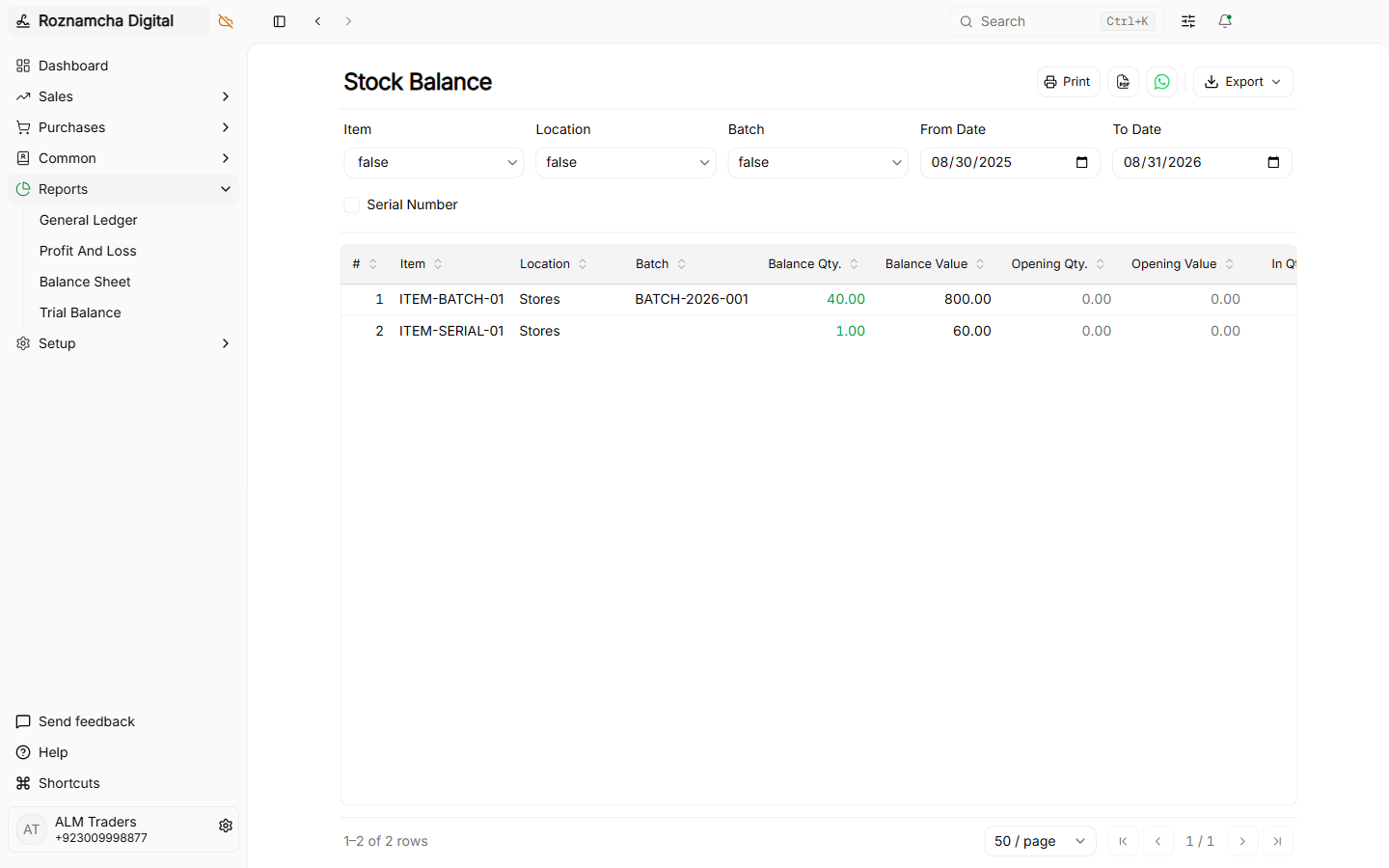
Stock Balance Report:
Displays real-time on-hand quantities, incoming/outgoing movements, and total valuation per warehouse:
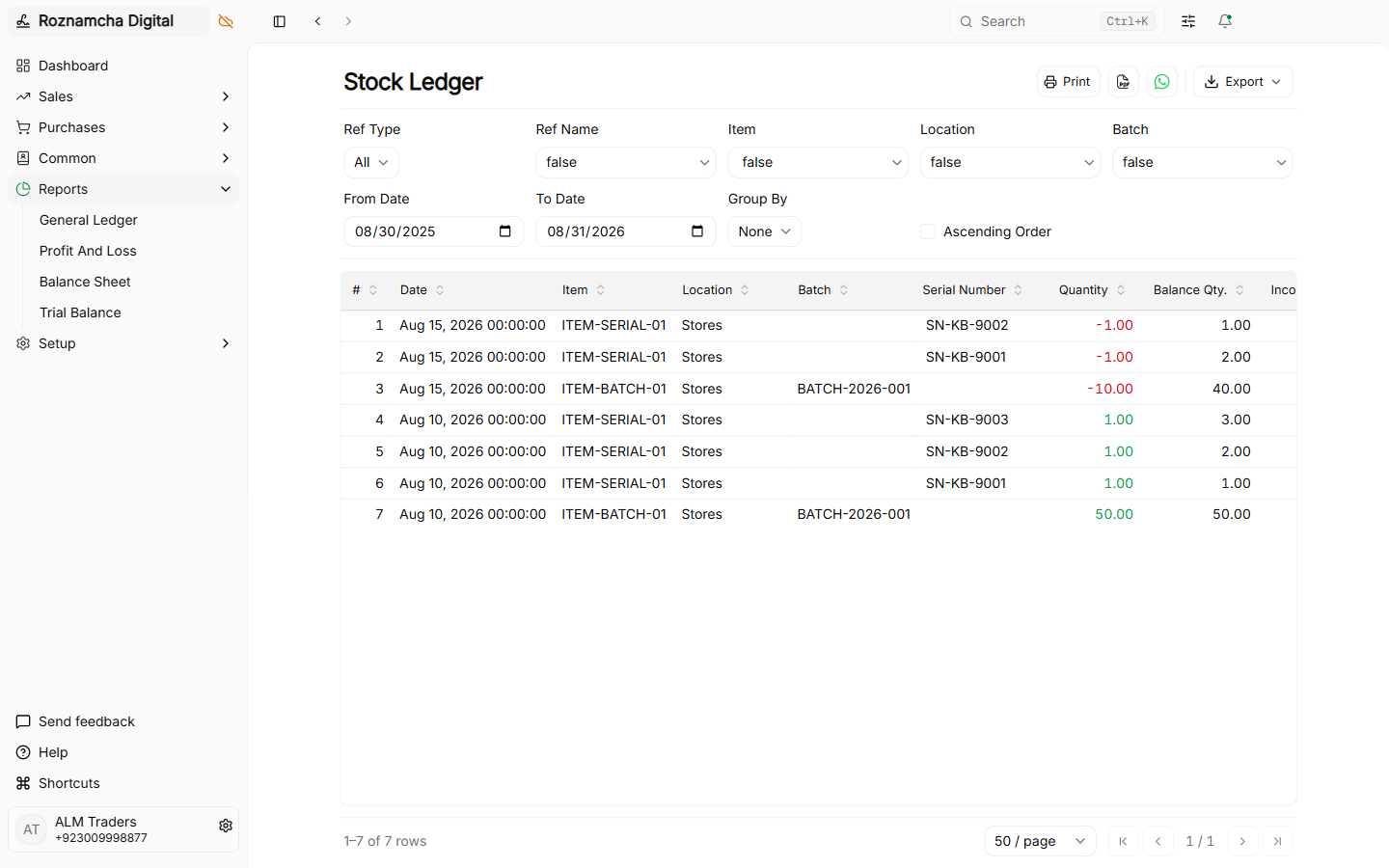
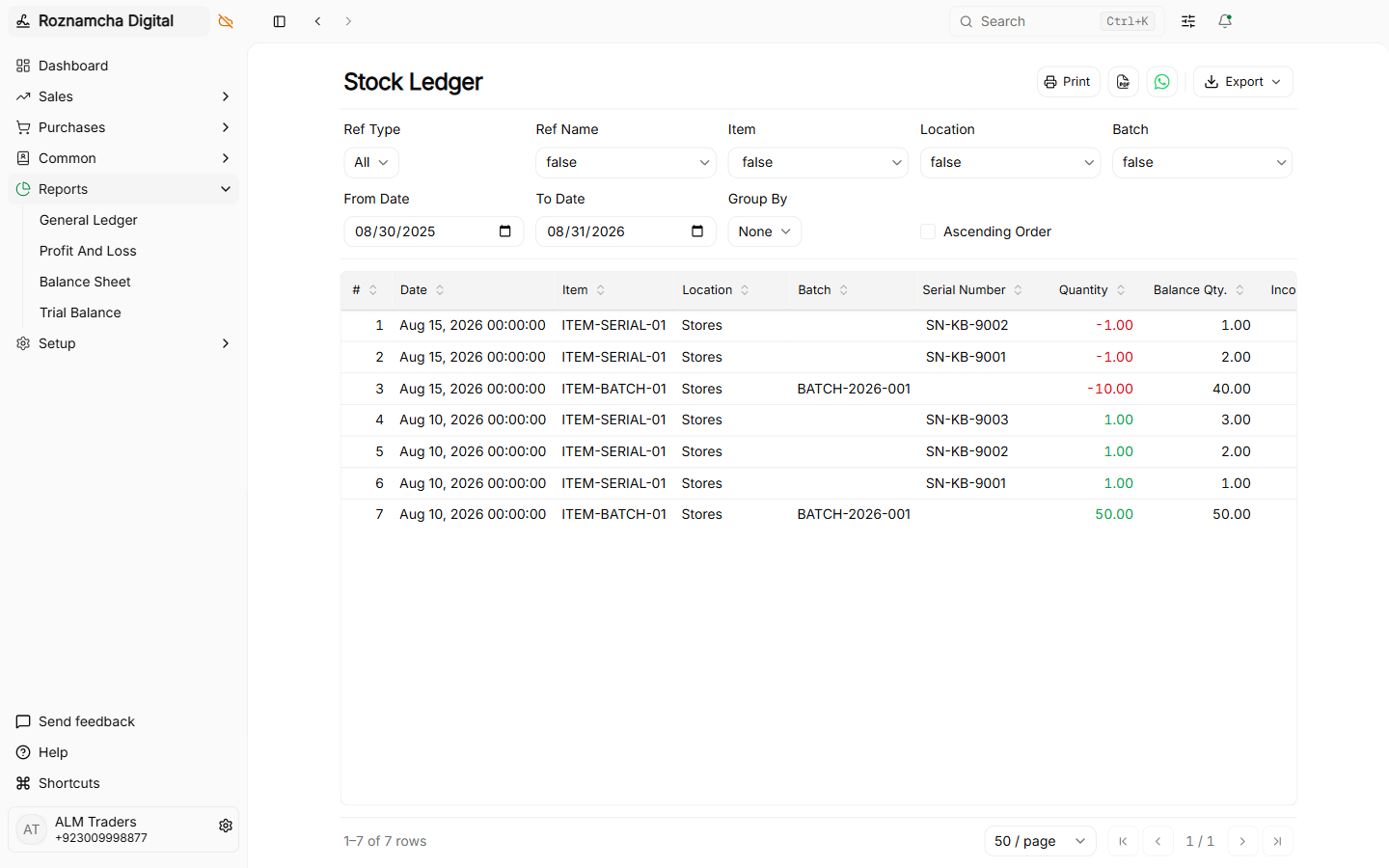
Stock Ledger Report:
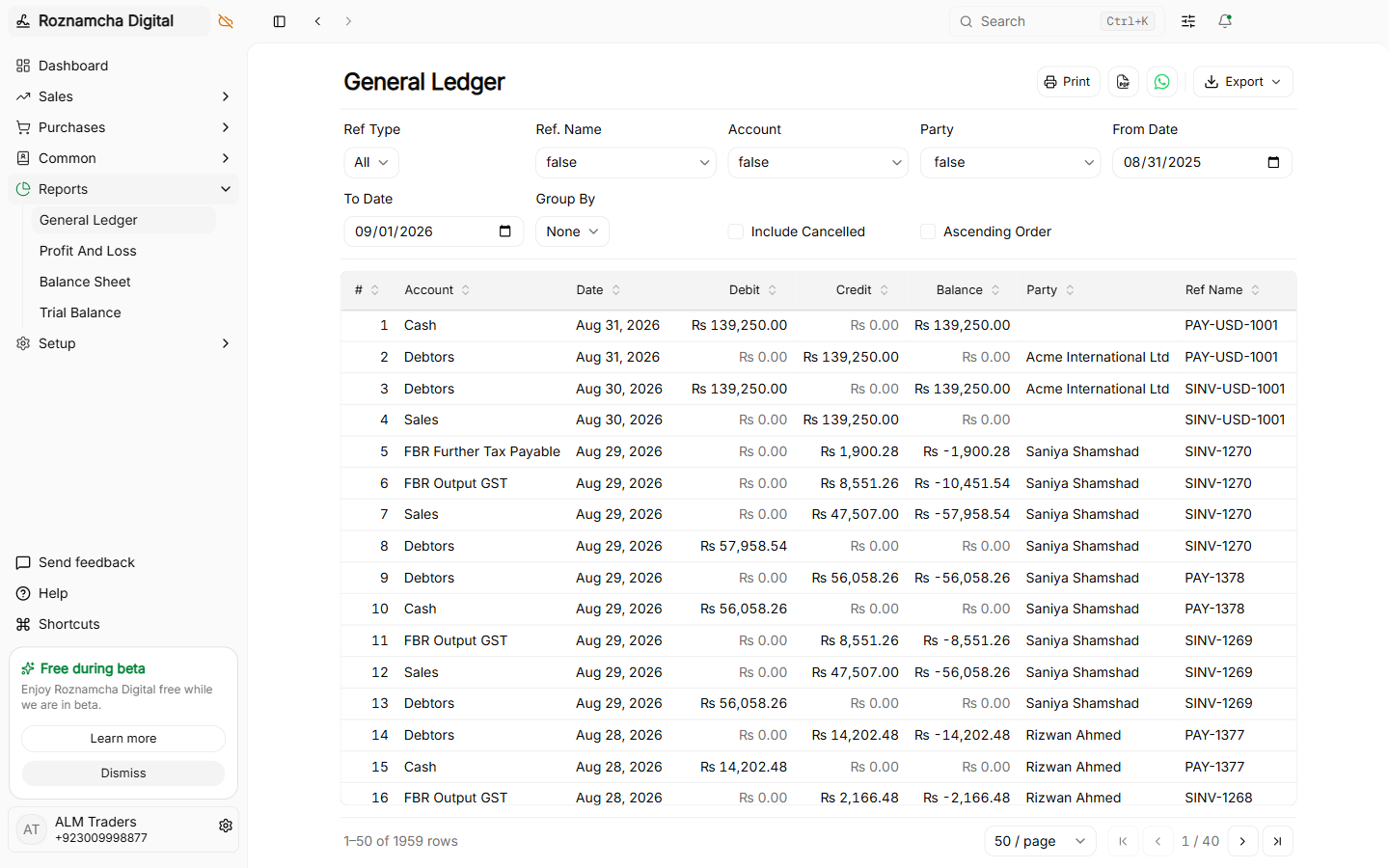
Chronological audit trail of every single goods receipt, shipment, and transfer for any product:
Common Pitfalls & Best Practices
Avoid Negative Stock Balances: Always submit Purchase Receipts or Opening Balances before submitting delivery shipments or invoices so your Cost of Goods Sold (COGS) calculates accurately.
Conduct Periodic Physical Stock Audits: Run the Stock Balance Report, print the checklist, count physical shelf quantities, and post a Stock Movement (Adjustment) for any differences.
Knowledge Check
WhatsApp Native Integration & Instant Digital Invoicing
Send high-resolution PDF invoices, image snapshots, and payment receipts directly to client WhatsApp chats with zero third-party fees.
Batch Tracking, Expiration Dates & Serialized Assets
Track perishable pharmaceutical/food batches with expiry dates, manage unique serialized electronics, and compare FIFO vs Moving Average valuation.