Setting Up Opening Balances & Bulk CSV Data Migration
Migrate historical ledgers, bank balances, customer receivables, supplier payables, inventory counts, and use the CSV Import Wizard.
Learning Objectives
By the end of this guide, you will:
- Understand how to capture historical balances using a balanced Opening Journal Entry.
- Record opening customer receivables and supplier payables with sub-ledger party tracking.
- Establish opening inventory quantities and valuation rates.
- Master the 5-step CSV Import Wizard to import thousands of items, customers, and opening records in seconds.
The Opening Balance Mechanism
In double-entry accounting, you cannot simply "type in" a bank balance without an offsetting credit. Every opening asset (cash, bank, stock, customer debt) must be balanced against opening liabilities (vendor debts, loans) and owner's capital.
Method 1: Creating an Opening Journal Entry
Navigate to Accounting > Journal Entries > New Journal Entry (or press Ctrl+K and type New Journal Entry).
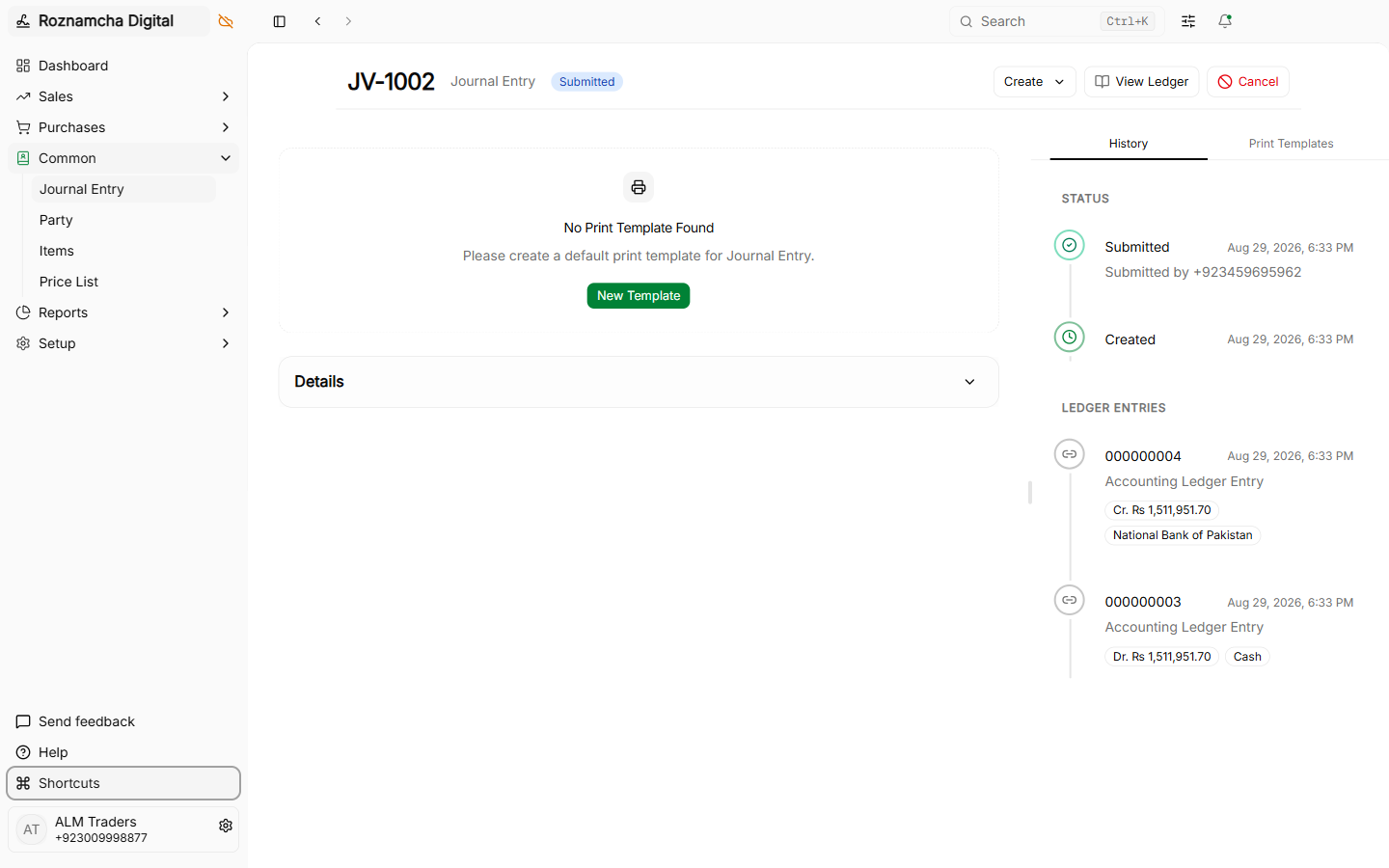
Steps to Post the Opening Journal Entry:
- Set the Posting Date to the first day of your active accounting period (e.g.,
2026-07-01or2026-01-01). - Add rows for all bank accounts, cash registers, and fixed assets with their Debit values.
- For each customer who owes you money, select Accounts Receivable, specify the Party Name, and enter the amount in Debit.
- For each supplier you owe, select Accounts Payable, specify the Party Name, and enter the amount in Credit.
- Add the Stock in Hand row for total opening inventory valuation.
- The remaining balancing amount goes into Owner Capital / Equity (or Temporary Opening Account until audited).
- Verify that
Difference = 0and click Submit.
Method 2: The Bulk CSV Import Wizard
If you have hundreds or thousands of records in Excel, entering them manually is slow. Roznamcha Digital includes an automated CSV Import Wizard.
Step 1: Select the Document Type
Navigate to Settings > Import Wizard and choose what data you want to import:
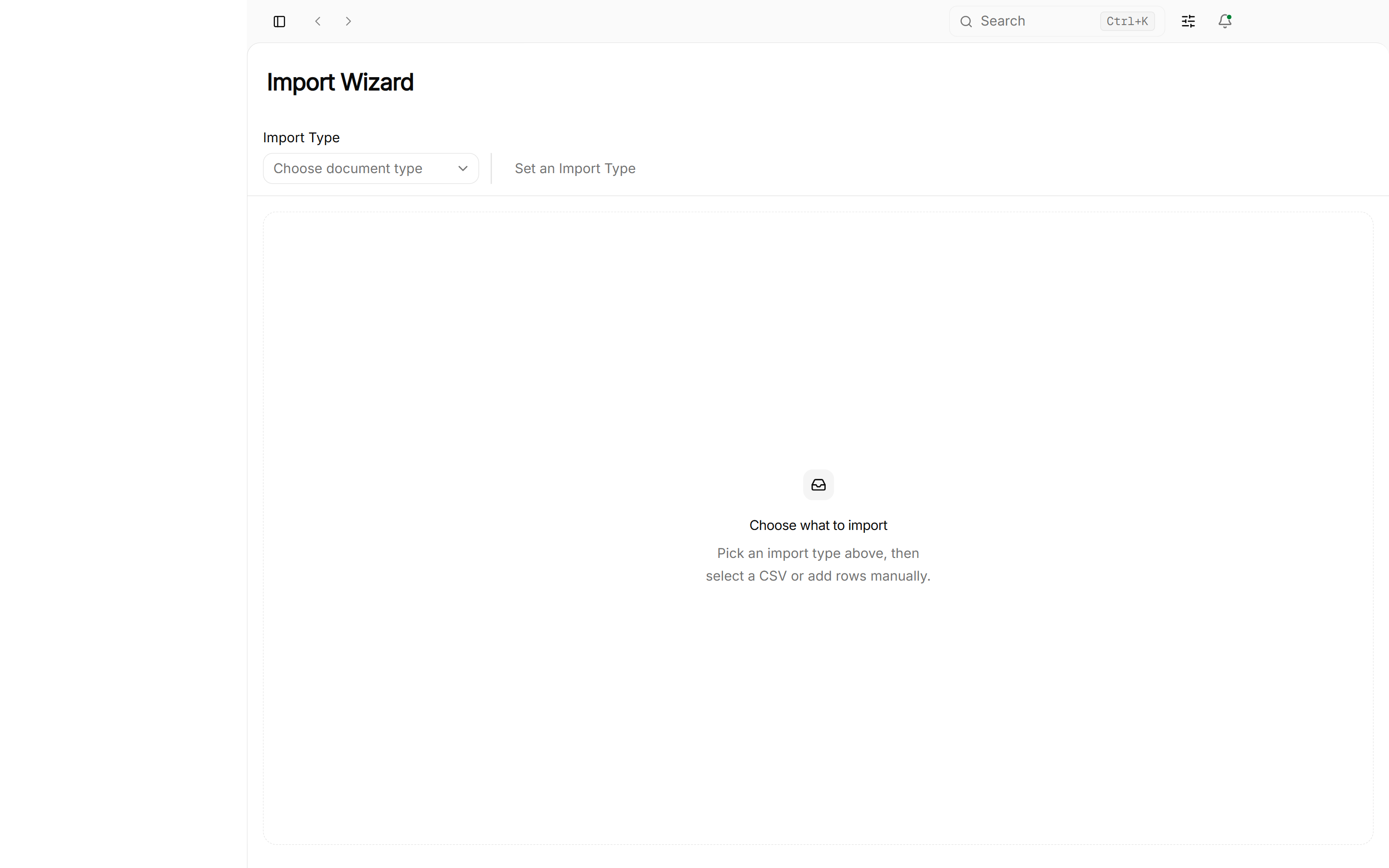
Supported DocTypes:
- Party: Bulk import Customers and Suppliers with addresses and WhatsApp phone numbers.
- Item: Bulk import Product Catalog, UOMs, Selling Rates, and Barcodes.
- Opening Invoice: Historical unpaid invoices.
- Stock Movement: Initial warehouse inventory counts.
Step 2: Upload CSV File
Download the sample CSV template, paste your spreadsheet data into it, and select your file:
Step 3: Column Mapping & Assignment
Roznamcha Digital automatically matches column names. You can adjust mappings manually if your column names differ:
Importing Multi-Line Invoices & Child Tables
When importing complex transactional records with child tables (such as Sales Invoices or Stock Movements with multiple products), group rows by repeating the parent identifier in the name or Invoice Number column:
Invoice Number (name) | Customer (party) | Date (date) | Item Name (items.item) | Quantity (items.quantity) | Rate (items.rate) |
|---|---|---|---|---|---|
INV-2025-001 | Ahmad Traders | 2025-07-01 | Basmati Super Rice 5kg | 10 | 1200 |
INV-2025-001 | Ahmad Traders | 2025-07-01 | Dal Chana Special 1kg | 25 | 280 |
INV-2025-001 | Ahmad Traders | 2025-07-01 | Cooking Oil 1L | 12 | 520 |
INV-2025-002 | Bilal Superstore | 2025-07-01 | Premium Black Tea 500g | 40 | 650 |
The importer bundles all consecutive rows sharing INV-2025-001 into a single invoice containing 3 line items totaling the exact combined amount.
Step 4: Validate Foreign Key Links & Execute Import
Review the preview table and click Start Import:
The wizard runs comprehensive pre-flight validation:
- Foreign Key Link Verification: Verifies that every referenced Customer, Supplier, Account, Item, or Warehouse exists in your local SQLite database before importing.
- Cell Data Type Validation: Validates date formats, numeric values, and required fields.
- Transactional Commit: Inserts valid records into your local database in seconds.
Real-World Scenario: Migrating "Khan Hardware" from Excel
Scenario: Farhan runs Khan Hardware. He has 1,200 hardware items in Excel and 85 customers with outstanding ledger balances.
- Items Import: Farhan opens the Import Wizard, selects
Item, uploadsitems.csvcontaining item codes, names, UOMs, and selling rates. All 1,200 items are created in 1.4 seconds. - Customer Import: Farhan uploads
customers.csvcontaining customer names, addresses, and WhatsApp phone numbers. - Opening Balances: Farhan posts one Opening Journal Entry dated July 1, debiting Cash (PKR 85,000), Bank (PKR 640,000), Stock (PKR 1,800,000), and individual customer debts, while crediting supplier debts and Owner's Capital.
- Result: Trial Balance is balanced to the exact rupee, and daily billing can begin immediately.
Common Pitfalls & Best Practices
Do Not Create Sales Invoices to Record Historical Opening Balances: Creating regular sales invoices for prior-year opening debts will falsely inflate your current year's Sales Revenue and tax liabilities. Always use the Opening Journal Entry method.
Keep a Clean Temporary Opening Difference Account:
If your exact opening capital is still being finalized by your external auditor, put the balancing credit into 3999 Temporary Opening Difference. Once audited, a simple journal entry can transfer it to 3110 Owner Capital.
Knowledge Check
Customer & Vendor Master Data, Item Catalog & Regional Taxes
Configure Customers, Suppliers, Item Catalog, Price Lists, Units of Measure, Barcodes, and Regional Tax Templates (FBR GST, PRA, SRB, VAT).
Sales Cycle: Quotations, Invoicing, Discounts & Returns
Master the full sales workflow: Sales Quotations, Invoices, Line-Item & Bill Discounts, Multi-Currency billing, and Credit Notes.