System Maintenance, Backup Recovery & Troubleshooting
Master SQLite database backups, disaster recovery, multi-device sync, system settings panels, and troubleshooting.
Learning Objectives
By the end of this guide, you will:
- Configure global application settings across all system preference panels.
- Create manual local database backups and export company data files.
- Restore company data from automated cloud snapshots during disaster recovery.
- Manage multi-device active session access without conflicts.
- Diagnose and fix common operating issues and ledger discrepancies.
The System Settings Architecture
Navigate to Settings to configure system-wide preferences. You can also change Date Format and Time Format from Quick Settings in the top bar.
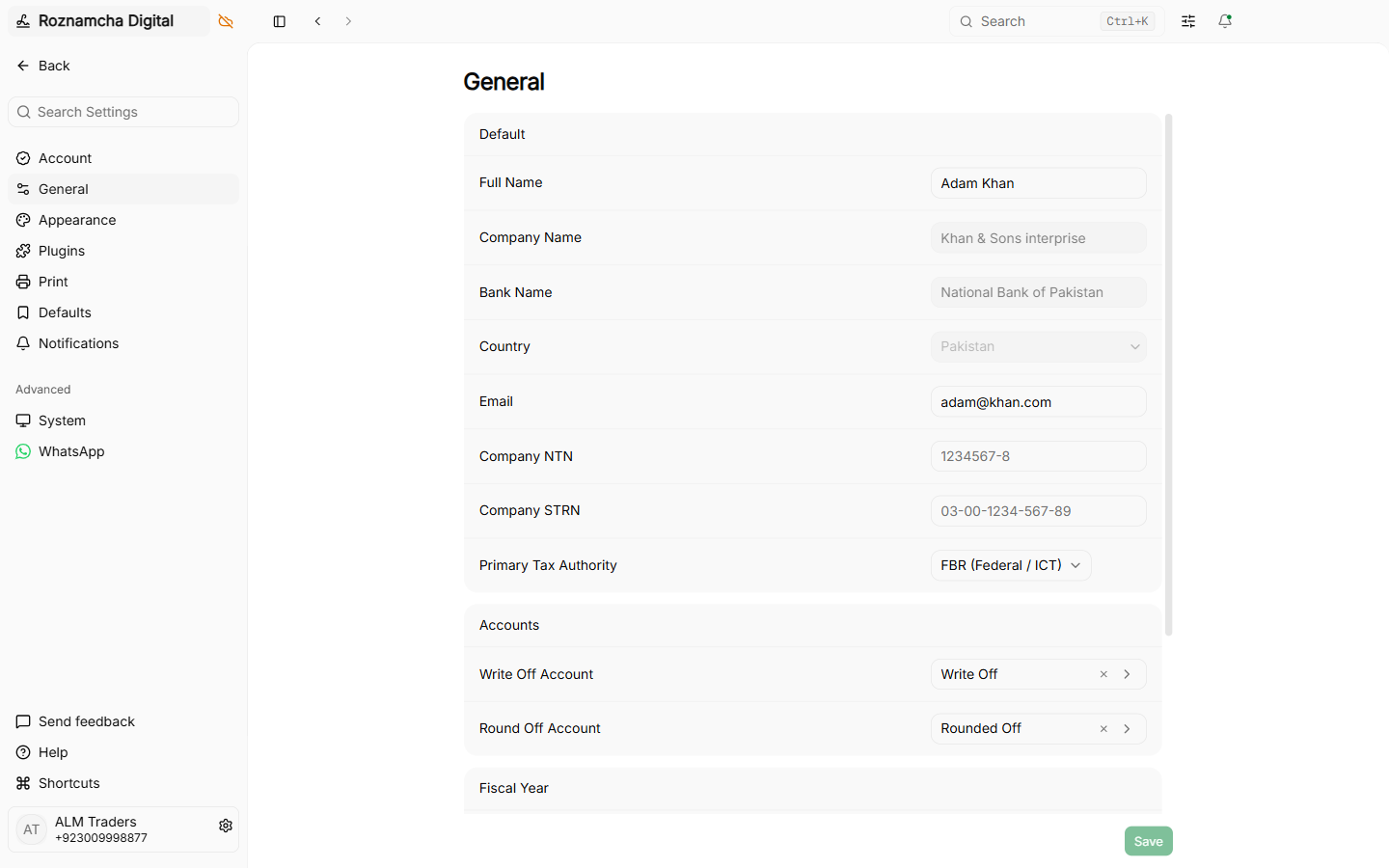
1. General Settings Panel
Configure company profile details, fiscal year dates, and feature toggles such as inventory and discount accounting:
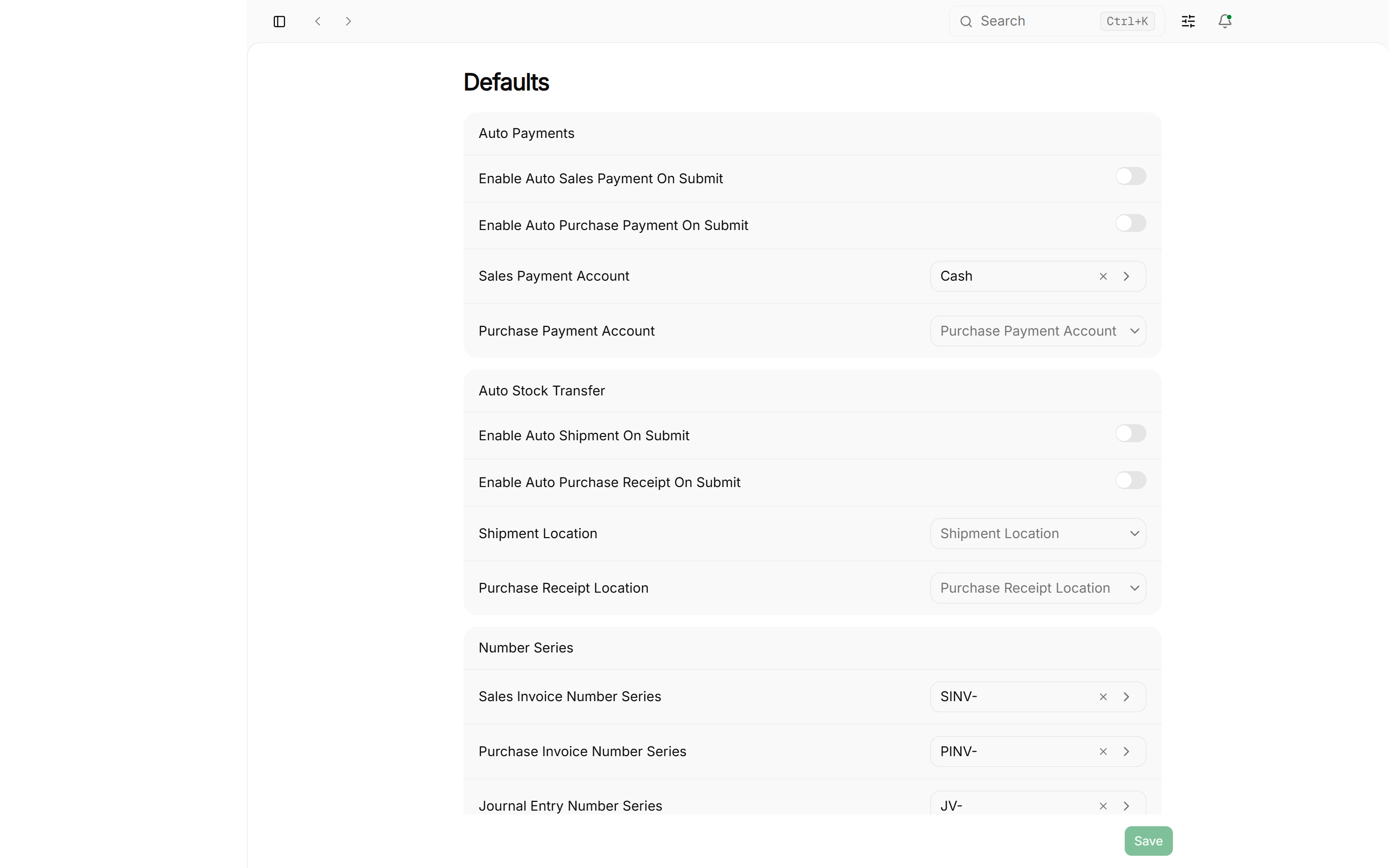
2. Defaults Settings Panel
Assign default accounts for auto-payments, inventory adjustments, and receivables:
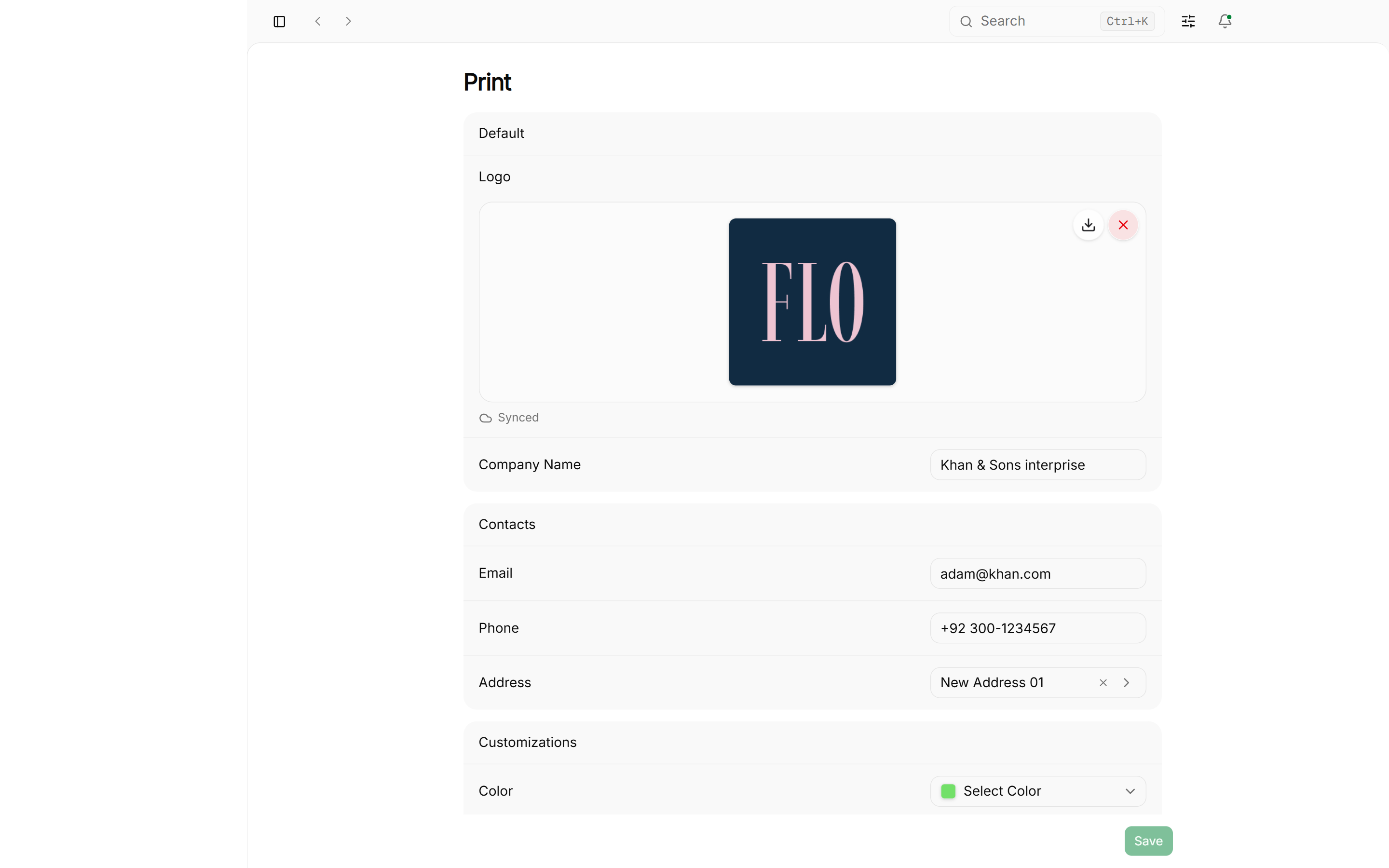
3. Print Preferences Panel
Configure direct thermal printing, page margins, and silent printing modes:
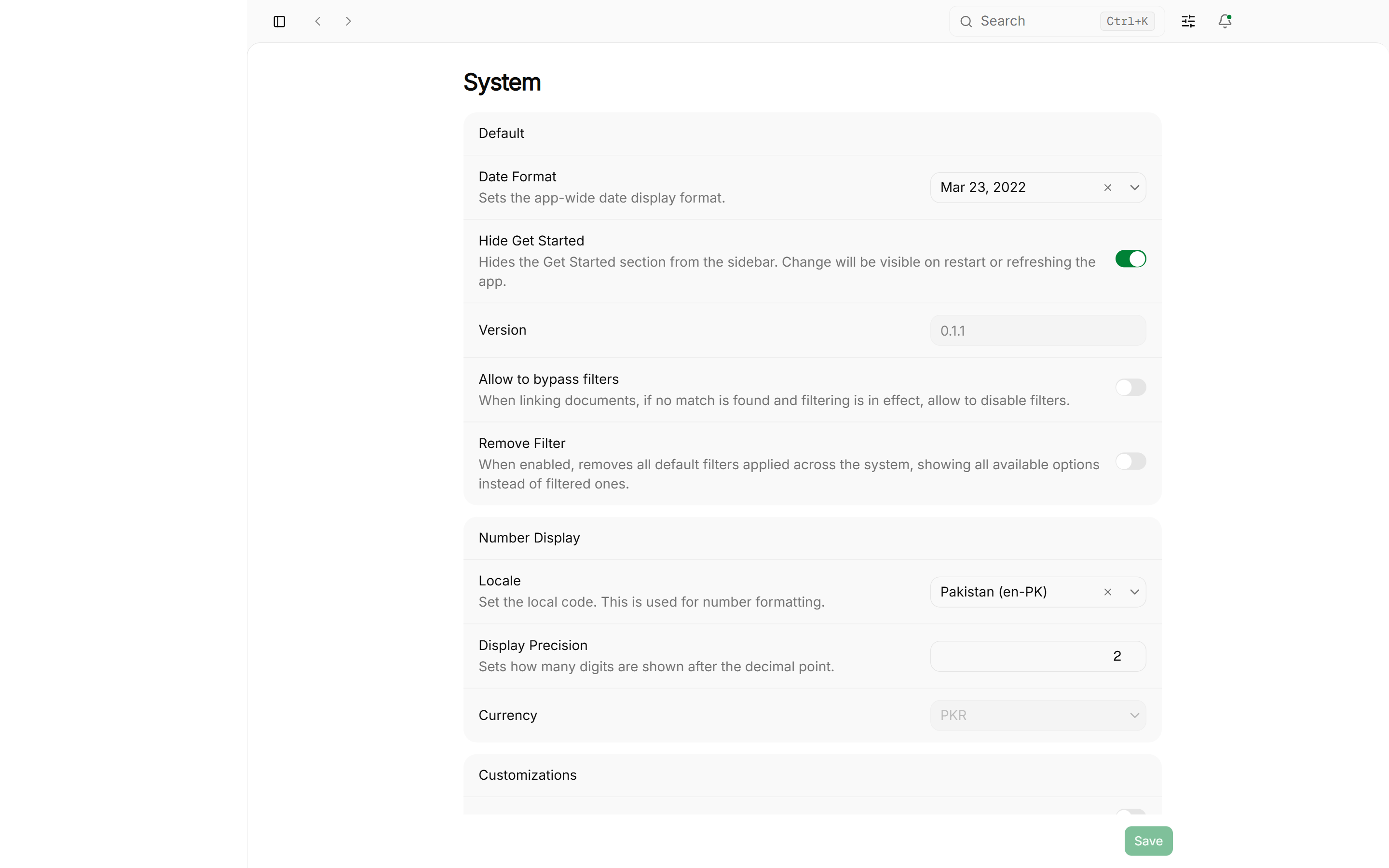
4. System Settings Panel
Control how dates, times, and numbers appear across the app (lists, forms, history, prints, and sync timestamps):
- Date Format: Choose how dates display (for example
23/03/2022,2022-03-23, orMar 23, 2022). - Time Format: Choose 24-hour (
14:30) or 12-hour (2:30 PM). This applies to every date-time and time display in the desktop app and the web PWA. - Locale and Display Precision: Control number grouping and decimal places for money.
- Hide Get Started: Hide the Get Started section from the sidebar.
Database Backups: Local vs. Cloud
Roznamcha Digital offers dual-layer data protection:
Creating a Manual Local Backup:
- Navigate to Settings > System.
- Click Create Backup Copy.
- Choose the destination folder (e.g., an external USB drive or external hard drive).
- Roznamcha Digital creates a standalone, portable
.dbfile in seconds.
Disaster Recovery via Secure Cloud Backups
If your laptop is stolen, damaged, or upgraded to a new machine:
Restore the latest copy (new device or full loss)
- Sign in and open the company from Choose a company → Cloud companies → Open.
- Roznamcha Digital downloads the latest cloud snapshot and opens your books locally.
Restore an older copy (undo a mistake on this device)
- Open Settings → Account.
- Under Cloud snapshots, click Restore an older copy….
- Select a daily or monthly snapshot, confirm, and click Restore this copy.
This changes only the current device. Newer cloud backups remain available. Attachments added after the chosen snapshot may be missing until attachment sync completes.
How long cloud snapshots are kept
Roznamcha Digital retains the newest five snapshots, plus one per day for seven days and one per month for twelve months. Older pins drop automatically; shared storage is cleaned up only when no snapshot row still references a file.
Resolving Multi-Device Access
Two different things share the word “session”:
- Signed-in devices (website, desktop app, PWA) are listed under website Sessions. Sign one out from Plans, Billing & Signed-in Devices. That does not delete books.
- A company already open on another computer. Opening it here shows Company in use: “This company is open on … Open anyway on this device? The other session will lose write access.” Choose Open anyway or Cancel.
Close Roznamcha Digital on the first computer when you finish. The next device can then open the company without that prompt.